ByShuman Chandra DasReviewed by:Yunus A. Polash
Human WrittenCan I Use Kotlin for Web Development? Full-Stack Guide
Can I use Kotlin for web development? Explore Kotlin for frontend, backend, frameworks, full-stack apps, Ktor, Spring Boot, benefits, and limitations.
Can I Use Kotlin For Web Development? Yes, Kotlin can be used to build backend systems, REST APIs, browser-based interfaces, and complete full-stack applications. Its compatibility with Java, concise syntax, null-safety features, and multiplatform capabilities make it a practical option for many modern web projects.
However, the right Kotlin setup depends on what you want to build. A large enterprise platform may benefit from Spring Boot, while a lightweight API or real-time application may be better suited to Ktor. Understanding these options will help you decide where Kotlin fits into your project.
Can Kotlin Be Used for Modern Web Development?
On the server side, Kotlin runs efficiently on the Java Virtual Machine and works with established Java libraries and frameworks. On the browser side, Kotlin/JS transpiles Kotlin code into JavaScript, allowing it to run in environments that support JavaScript. Kotlin/Wasm also makes it possible to compile Kotlin into WebAssembly for supported browser environments. ple overview of where Kotlin fits:
| Web Development Area | Kotlin Technology | Common Uses |
|---|---|---|
| Backend development | Ktor, Spring Boot, Micronaut, http4k | APIs, authentication, databases, business logic |
| Frontend development | Kotlin/JS, React wrappers, Compose Multiplatform | Dashboards, web apps, interactive interfaces |
| Full-stack development | Kotlin Multiplatform, Ktor, Spring Boot | Shared models, validation, APIs, cross-platform applications |
| Serverless development | Kotlin/JS with Node.js or JVM functions | Cloud functions, event-based services |
| Cross-platform interfaces | Compose Multiplatform | Android, iOS, desktop, and web interfaces |
This flexibility means Kotlin is not limited to Android application development. It can provide the technical foundation for websites, SaaS platforms, internal systems, APIs, customer portals, and other digital products.
Next, it is helpful to understand how Kotlin works within each part of the web development process.
How Kotlin Works in Web Development
A web application normally includes a user-facing interface, server-side logic, a database, and communication between these layers. Kotlin can be used in one layer or across several layers, depending on the project architecture.
Developers do not have to replace every existing technology with Kotlin. It can be introduced gradually into a Java project, used only for an API, or adopted across the complete application.
Kotlin for Server-Side Development
Kotlin is particularly strong in server-side development because it is fully compatible with Java-based technology stacks. Existing Java libraries, database tools, security systems, testing libraries, and deployment environments can generally be used from Kotlin. tlin suitable for building:
- REST and GraphQL APIs
- Authentication and authorization systems
- SaaS application backends
- E-commerce platforms
- Booking and payment systems
- Customer dashboards
- Enterprise management software
- Microservices
- Cloud-based applications
Kotlin also supports coroutines, which help developers manage asynchronous operations without writing deeply nested callbacks. This can be valuable when an application processes database requests, network calls, file operations, or several user requests at the same time.
Once the backend is planned, Kotlin can also support browser-based development.
Kotlin for Browser-Based Applications
Kotlin/JS allows developers to transpile Kotlin source code, compatible dependencies, and parts of the standard library into JavaScript. The resulting application can run in a browser or another JavaScript-supported environment. n use Kotlin/JS to create traditional frontend applications or connect Kotlin code with existing JavaScript technologies. JetBrains provides wrappers for React and related libraries, allowing teams to create type-safe React applications while accessing the wider JavaScript ecosystem.
Kotlin/JS can be useful when a company wants to share:
- Data-transfer objects
- Form validation rules
- Authentication logic
- API definitions
- Domain models
- Formatting utilities
- Business calculations
This reduces differences between the browser and server because both sides can rely on compatible models and rules. The next step is understanding how these capabilities work together in a full-stack project.
Kotlin for Full-Stack Web Applications
Kotlin full-stack web development allows teams to use Kotlin across the backend, shared business layer, and parts of the frontend. For example, a project may use Ktor on the server, Kotlin Multiplatform for shared data models, and Compose Multiplatform or Kotlin/JS for the client.
Official Ktor documentation includes a full-stack architecture that targets web, Android, iOS, and desktop platforms while sharing data types between clients and services. Shared types can speed up development and reduce inconsistencies between application layers. at need design, database integration, APIs, testing, deployment, and ongoing technical support may benefit from a complete full-stack web development service rather than managing several disconnected developers.
Is Kotlin Good for Web Development?
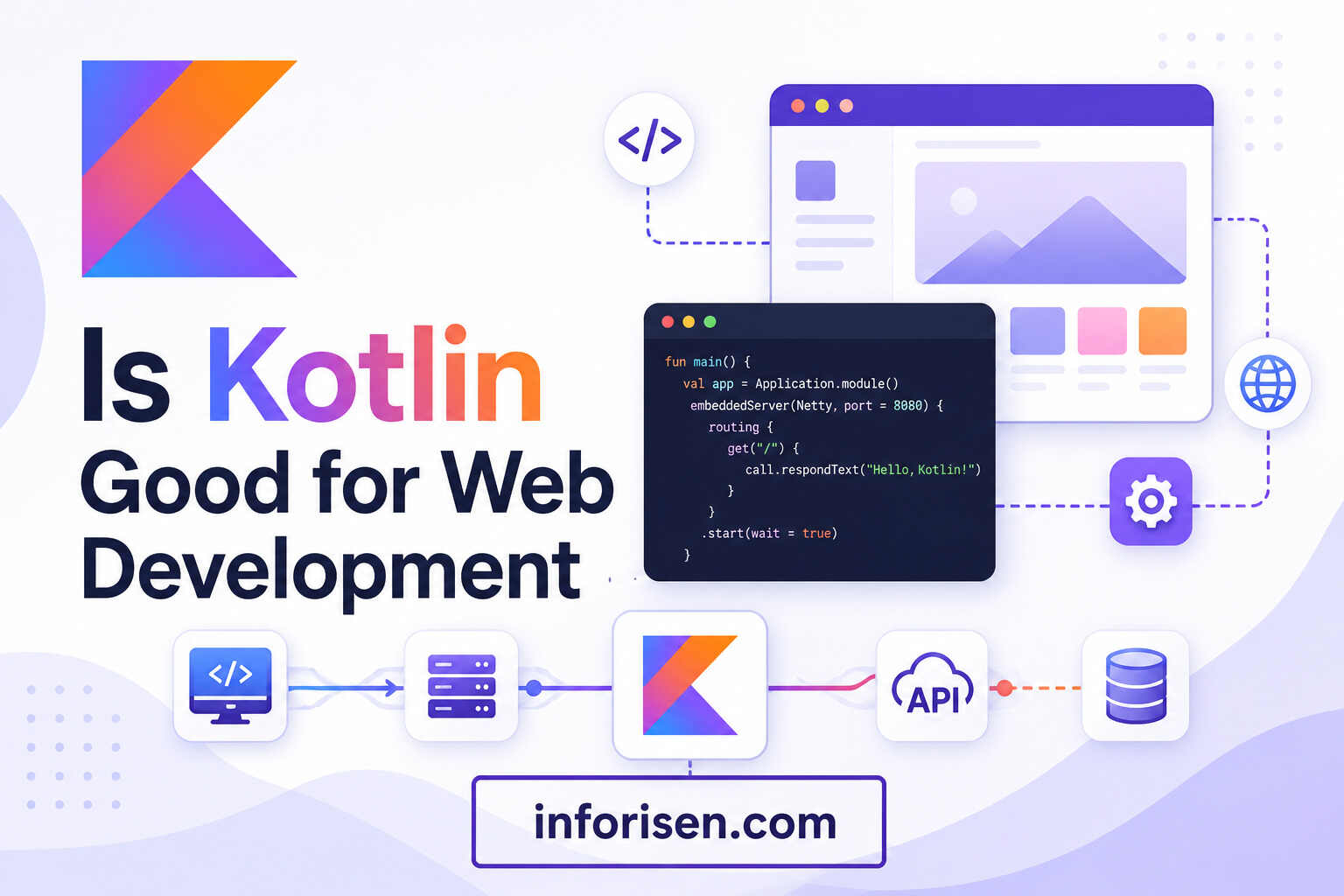
Kotlin is good for web development when a project requires a reliable backend, Java interoperability, strong typing, cross-platform code sharing, or a maintainable long-term architecture.
It may not be the automatic choice for every basic website. A small brochure website, landing page, or WordPress site usually does not require a Kotlin application. However, Kotlin becomes more relevant as business logic, user accounts, integrations, security requirements, and application complexity increase.
Concise and Maintainable Code
Kotlin was designed to reduce unnecessary boilerplate while keeping code expressive. Features such as data classes, extension functions, smart casts, named arguments, and type inference allow developers to represent complex logic with fewer repetitive structures.
Less boilerplate does not automatically guarantee better software, but it can make a carefully designed application easier to review and maintain. This becomes increasingly important as more features and developers are added to the system.
Strong Java Interoperability
Many businesses already use Java libraries, Spring applications, or JVM-based infrastructure. Kotlin can work alongside this existing code instead of requiring a complete rewrite.
A development team can begin by writing new features or tests in Kotlin while maintaining older Java modules. Kotlin’s official backend documentation specifically supports gradual migration from Java-based codebases. tlin attractive to organizations that want a more modern developer experience without abandoning established systems.
Improved Protection Against Null Errors
Kotlin’s type system distinguishes between nullable and non-nullable references. Developers must explicitly handle values that may be missing instead of treating every object as potentially null.
Null-safety cannot prevent every application error, but it can reduce a common category of runtime failure. For systems involving customer data, payments, bookings, inventory, or account management, clearer data handling improves reliability.
Shared Logic Across Platforms
Kotlin Multiplatform allows teams to share selected code across web, mobile, desktop, and server targets. The team does not need to share the entire application. It can begin with networking, validation, domain models, or business logic and keep platform-specific interfaces where necessary.
Compose Multiplatform also supports shared user-interface development across Android, iOS, desktop, and web. Its web target is currently identified as beta, so its maturity and browser requirements should be evaluated before it is selected for a production project. s become easier to evaluate when the leading Kotlin web frameworks are compared directly.
Best Kotlin Web Development Frameworks
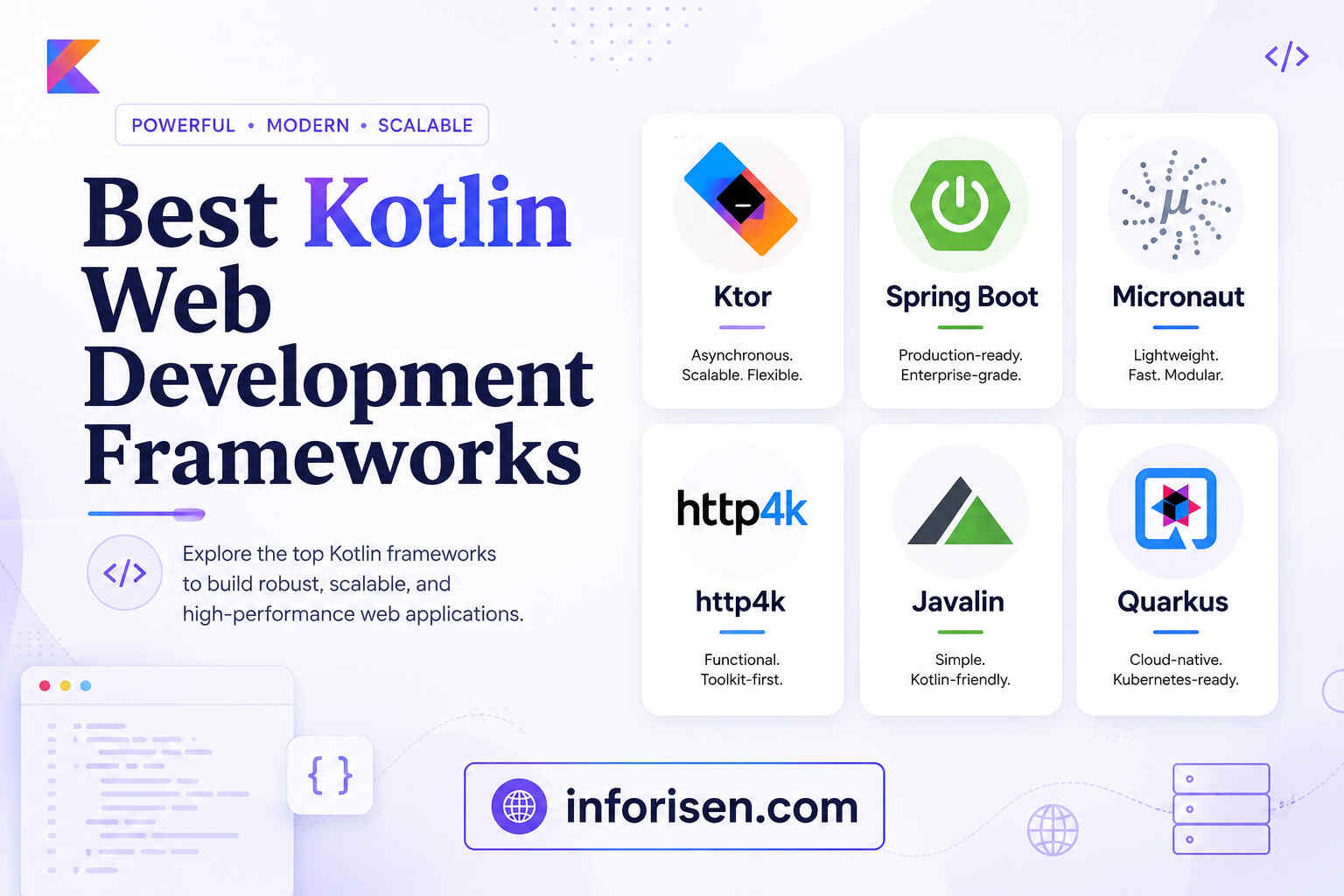
There is no single best Kotlin framework for web development. The right choice depends on application size, team experience, deployment requirements, and the surrounding technology stack.
The following table provides a practical comparison:
| Framework or Technology | Best Suited For | Main Advantage | Important Consideration |
|---|---|---|---|
| Ktor | APIs, lightweight services, Kotlin-first applications | Flexible and idiomatic Kotlin design | Requires more architectural decisions |
| Spring Boot | Enterprise platforms and complex business systems | Extensive ecosystem and production tooling | Can be heavier for very small applications |
| Kotlin/JS | Browser applications and shared web logic | JavaScript interoperability | Smaller native ecosystem than JavaScript |
| Compose Multiplatform | Cross-platform application interfaces | Shared UI and business logic | Web support remains beta |
| Micronaut | Microservices and cloud applications | Modular architecture and fast startup focus | Smaller ecosystem than Spring |
| http4k | Functional Kotlin HTTP applications | Lightweight and testable design | Best suited to teams comfortable with functional patterns |
| Javalin | Small APIs and straightforward web services | Simple learning curve | Fewer built-in enterprise features |
| Quarkus | Cloud-native JVM applications | Kubernetes and container-oriented ecosystem | Requires framework-specific knowledge |
Ktor vs Spring Boot for Kotlin Web Development
The Ktor vs Spring Boot for Kotlin decision usually depends on whether the team prefers flexibility and a Kotlin-first experience or an extensive enterprise ecosystem.
| Comparison Factor | Ktor | Spring Boot |
|---|---|---|
| Primary design | Kotlin-first framework | Java ecosystem framework with Kotlin support |
| Project setup | Lightweight and flexible | Convention-based with automatic configuration |
| Learning experience | Clear for Kotlin-focused developers | Easier for developers with Spring experience |
| Ecosystem size | Growing | Very large and established |
| Enterprise features | Added as required | Many integrations readily available |
| Microservices | Well suited | Well suited |
| Small APIs | Excellent choice | May provide more features than necessary |
| Large enterprise systems | Capable with good architecture | Often the more established choice |
| Asynchronous programming | Coroutine-focused | Supports traditional and reactive approaches |
| Configuration control | Highly customizable | More opinionated defaults |
When Ktor Is the Better Choice
Ktor is a JetBrains framework for asynchronous server and client applications. It offers an idiomatic Kotlin API and uses coroutines as an important part of its programming model. better fit when:
- The team wants a Kotlin-first framework
- The application is a lightweight API or microservice
- Developers want control over project components
- Coroutine-based programming is important
- The same team is building a Kotlin Multiplatform product
- The project does not need the full Spring ecosystem
Ktor can also generate HTML through template engines, serve single-page application files, create REST APIs, and connect with databases. Official documentation demonstrates both interactive website development and RESTful API development with the framework.
When Spring Boot Is the Better Choice
Spring Boot is often suitable for enterprise applications, complex authentication systems, data-heavy platforms, and projects that rely on established Spring libraries.
Spring provides dedicated Kotlin support, and Spring Initializr can generate a Kotlin-based project with Gradle or Maven. The official Spring tutorial demonstrates how Kotlin can be used to create a complete web application with web, database, template, and development dependencies.
Whether Spring Boot is used for web development should consider its strong support for APIs, database integration, dependency injection, security, testing, monitoring, and cloud deployment.
How to Use Kotlin for Web Development
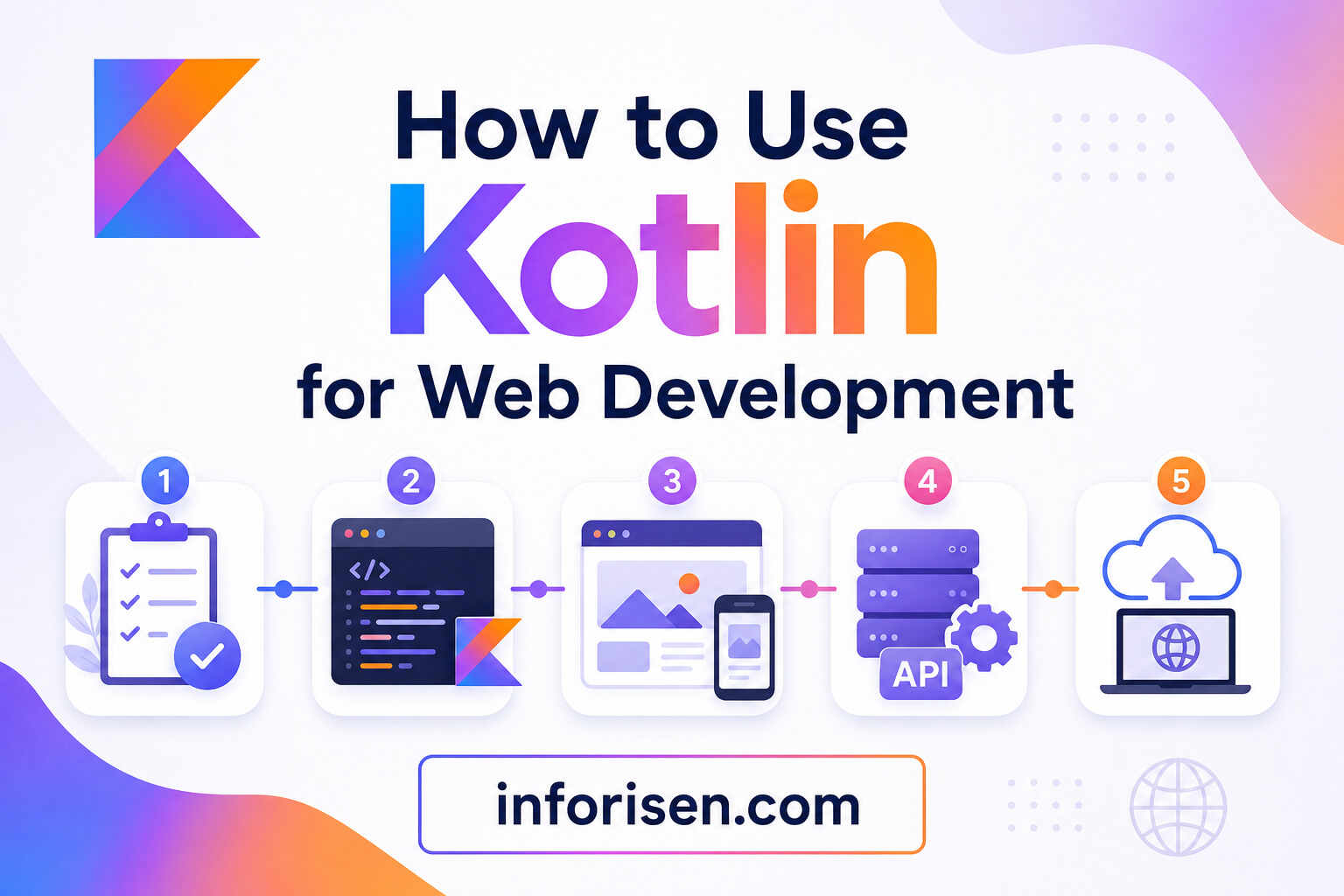
Learning how to use Kotlin for web development begins with identifying which parts of the application will use Kotlin. Starting with a clear architecture prevents the team from choosing tools simply because they are popular.
Step 1: Define the Application Requirements
Start by documenting the users, features, expected traffic, security requirements, integrations, database needs, and future growth plans.
A simple internal API has different requirements from an international SaaS platform. Clarifying these differences will help determine whether the project needs Ktor, Spring Boot, Kotlin/JS, or a combination of technologies.
Step 2: Choose the Kotlin Target
For backend development, select Kotlin/JVM with Ktor or Spring Boot. For browser development, evaluate Kotlin/JS or Kotlin/Wasm. For a product serving web, mobile, and desktop users, consider Kotlin Multiplatform.
This decision should be based on deployment environments and user needs rather than code sharing alone.
Step 3: Create the Project
Ktor projects can be generated through the Ktor project generator or IntelliJ IDEA. Spring Boot projects can be created through Spring Initializr by selecting Kotlin and the required dependencies.
A typical backend project may include:
- Web or routing support
- Serialization
- Authentication
- Database access
- Validation
- Logging
- Automated testing
- API documentation
The project should begin with only the dependencies required for its first release. Additional components can be added as the application grows.
Step 4: Build the Data and Business Layers
Define the application models, database entities, repositories, services, and validation rules. Keep business logic separate from HTTP controllers or routing functions so it can be tested and reused more easily.
For full-stack projects, selected data models and validation rules can be placed in shared Kotlin modules. This helps the frontend and backend interpret the same information consistently.
Step 5: Create APIs or Server-Rendered Pages
A Kotlin backend can provide JSON APIs for React, Angular, Vue, mobile applications, or Kotlin-based clients. It can also render HTML with template engines when server-side rendering better suits the project.
The choice affects search visibility, page-loading behavior, hosting requirements, and development complexity. Businesses that rely on organic search should consider technical performance, semantic HTML, crawlability, and structured content alongside application features. Well-planned development can also drive traffic with web development by creating a faster and easier-to-understand website.
Step 6: Add the Frontend
For a Kotlin frontend, configure Kotlin/JS and select a UI approach such as React wrappers, Kobweb, Kilua, or Compose-based development.
Kotlin’s official documentation identifies these as possible ways to create browser interfaces while integrating with JavaScript tools and libraries.
For example, Kotlin may power the backend while React, Angular, Vue, or another frontend framework manages the browser interface.
Step 7: Test, Optimize, and Deploy
The application should be tested at the unit, integration, API, security, and user-interface levels. Teams should also check accessibility, browser compatibility, mobile responsiveness, loading speed, database performance, logging, and failure recovery.
Kotlin/JVM applications can be deployed to environments that support Java applications, including common cloud platforms and container-based infrastructure. cess in place, it becomes easier to decide whether Kotlin should also handle the frontend.
Can Kotlin Be Used for Frontend Web Development?
Yes, Kotlin can be used for frontend web development through Kotlin/JS and Kotlin/Wasm.
Kotlin/JS can create browser applications, work with npm dependencies, consume JavaScript libraries, and integrate with frameworks such as React. Developers can also write custom wrappers for JavaScript packages when a suitable Kotlin wrapper is unavailable.
Kotlin frontend development is particularly appealing when:
- The development team already specializes in Kotlin
- The frontend and backend share complex business rules
- The product also targets Android, iOS, or desktop
- Strong typing across application layers is valuable
- Code consistency is more important than following a JavaScript-only stack
However, JavaScript and TypeScript still provide a wider selection of frontend libraries, developers, templates, and community resources. A business should therefore evaluate hiring availability and long-term maintenance before choosing a Kotlin-only frontend.
The backend side generally presents fewer adoption concerns.
Can Kotlin Be Used for Backend Development?
Yes, Kotlin is widely suited to backend development. It can create REST APIs, microservices, web servers, database applications, authentication services, and complete enterprise systems.
Its JVM compatibility gives developers access to Java libraries while its modern syntax can make application code more concise. Ktor offers a Kotlin-first experience, while Spring Boot provides established enterprise integrations.
Backend Kotlin is especially appropriate for:
- SaaS products
- Fintech systems
- Healthcare platforms
- E-commerce applications
- Booking systems
- Business automation tools
- Mobile application APIs
- Data-processing services
- Customer and employee portals
As the project grows, the choice of architecture, testing standards, security practices, and development team will matter more than the programming language alone.
When Should a Business Choose Kotlin?
Kotlin should be considered when the project requires more than a basic informational website. It offers greater value when an application contains business rules, user accounts, secure data, integrations, dashboards, APIs, or cross-platform features.
Choose Kotlin when:
- Your company already uses Java or Kotlin
- You need a scalable API or application backend
- You want to share logic across platforms
- Your developers have JVM experience
- Long-term maintainability is a priority
- The product needs Android and web integration
- You are building a custom SaaS or enterprise system
A professional software development company can help determine whether Kotlin is suitable before development begins. The evaluation should include budget, application complexity, team expertise, expected users, security, deployment, and future expansion.
Kotlin is powerful, but an informed decision should also account for its practical limitations.
Limitations of Kotlin Web Development
Kotlin web development has several trade-offs that should be evaluated honestly.
The Kotlin frontend ecosystem is smaller than the JavaScript and TypeScript ecosystem. Some JavaScript libraries require wrappers, and developers may need to work directly with JavaScript interoperability when no typed integration exists.
Kotlin/JVM services can also consume more runtime resources than extremely lightweight alternatives, depending on the selected framework and configuration. Spring Boot may be unnecessary for a very small service, while a flexible Ktor project may require the team to make more architectural decisions manually.
Compose Multiplatform’s web target remains in beta, which may affect technology selection for browser-critical projects. Teams should test browser compatibility, accessibility, startup performance, and search-engine requirements before using it as the primary interface. reasons to reject Kotlin. They are factors that help a development team select an appropriate framework and architecture.
Final Words: Can I Use Kotlin for Web Development?
Can I Use Kotlin For Web Development? Yes, Kotlin can be used for frontend, backend, API, and full-stack application development. Ktor provides a lightweight Kotlin-first approach, while Spring Boot offers a mature ecosystem for complex and enterprise-level systems.
Kotlin/JS, Kotlin/Wasm, and Compose Multiplatform extend Kotlin into browser and cross-platform development.
The best decision depends on your application rather than the language alone. For a simple content website, Kotlin may add unnecessary complexity. For a SaaS platform, customer portal, secure API, mobile-connected system, or enterprise application, Kotlin can provide a maintainable and scalable technical foundation.
Frequently Asked Questions About Kotlin Web Development
Kotlin can replace JavaScript in some frontend projects because Kotlin/JS compiles Kotlin into JavaScript. However, JavaScript or TypeScript may remain more practical when the project depends heavily on frontend libraries, templates, or developers from the wider JavaScript ecosystem.
Yes. Kotlin can build server-rendered websites, browser applications, APIs, customer portals, and other web-based systems. Ktor and Spring Boot are commonly used for server-side development, while Kotlin/JS and Kotlin/Wasm support browser development.
Ktor can be approachable for developers who want a lightweight, Kotlin-focused framework. Spring Boot may be easier for people who already understand Java, dependency injection, or the Spring ecosystem. The best starting point depends on existing experience.
Yes. A developer can use Kotlin for the backend, shared business logic, and browser interface. Ktor or Spring Boot can manage the server, while Kotlin/JS, Kotlin/Wasm, or Compose Multiplatform can support the client.
Kotlin often provides more concise syntax, null-safety, coroutines, and several modern language features. Java offers an enormous ecosystem and a large talent pool. Because the two languages are interoperable, many teams use them together instead of treating the decision as a strict replacement.
Kotlin itself is considered readable, especially for developers familiar with Java, C#, or other statically typed languages. The overall difficulty depends on the framework, database, security requirements, deployment environment, and architecture of the application.
Yes. Kotlin can work with Spring Boot, Java libraries, relational databases, cloud platforms, microservices, security tools, and enterprise integrations. Its compatibility with existing JVM systems makes it suitable for gradual adoption in large organizations.


.webp&w=3840&q=75)



.jpg&w=3840&q=75)