ByArian MahmudReviewed by:Tarikul Hasan
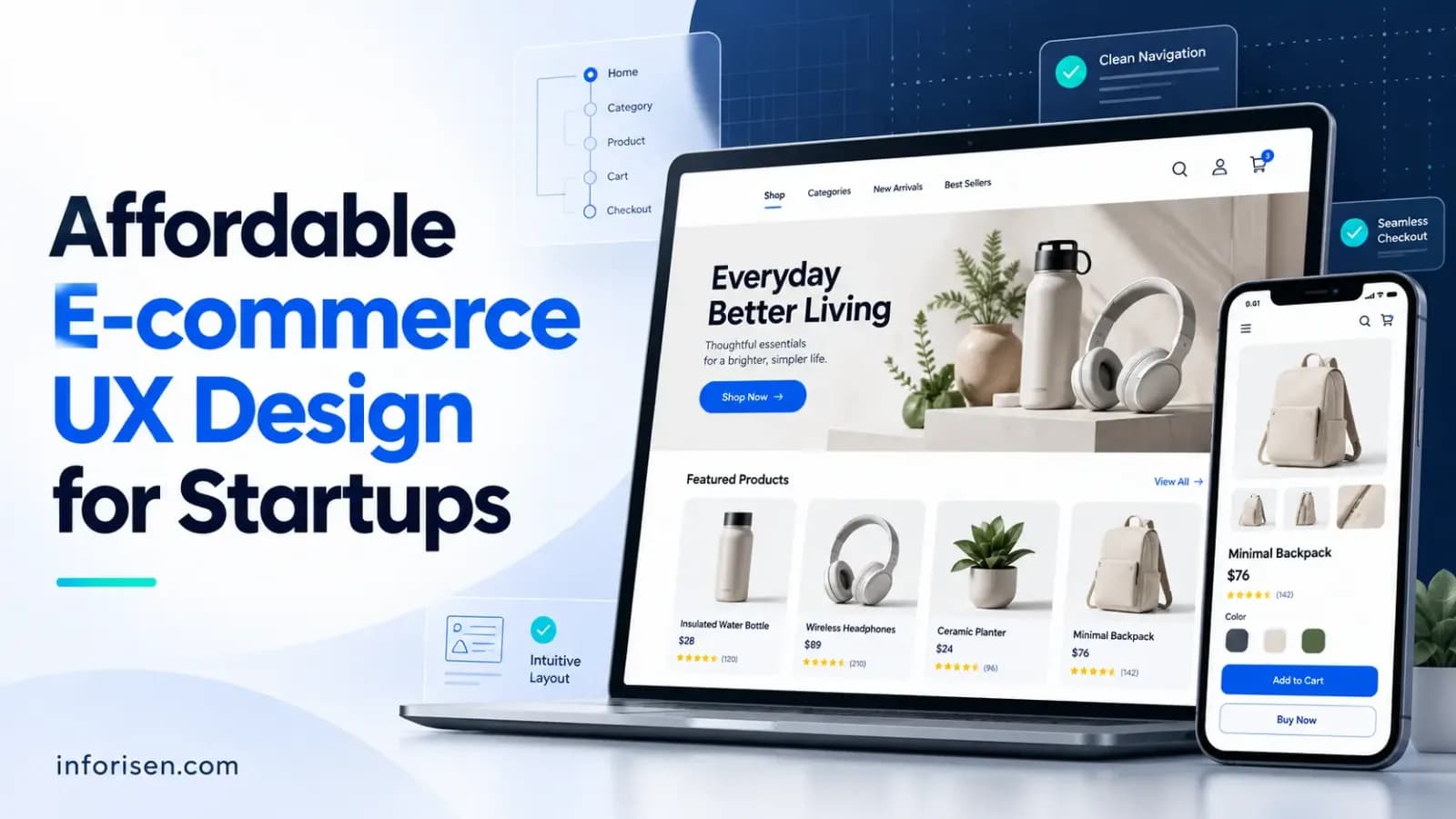
Human WrittenAffordable E-commerce UX Design for Startups: A Practical Guide to Building a User-Friendly Online Store
Learn how startups can build a user-friendly e-commerce website on a limited budget. Explore essential UX features, design costs, tools, common mistakes, and practical ways to improve the online shopping experience.
Starting an online store does not always require a large design budget. However, a confusing website can make it difficult for customers to find products, understand pricing, and complete purchases. For startups, affordable e-commerce UX design focuses on creating a simple, accessible, and user-friendly shopping experience without spending money on unnecessary features.
A well-planned e-commerce website should help visitors move from product discovery to checkout with minimal confusion. This guide explains how startups can design an affordable e-commerce user experience, which features to prioritize, how much the design may cost, and how to improve the shopping experience as the business grows.
What Is Affordable E-commerce UX Design for Startups?
Affordable e-commerce UX design for startups is the process of creating a user-friendly online shopping experience within a limited budget. It focuses on essential features such as simple navigation, clear product information, mobile responsiveness, accessible interfaces, and a straightforward checkout process.
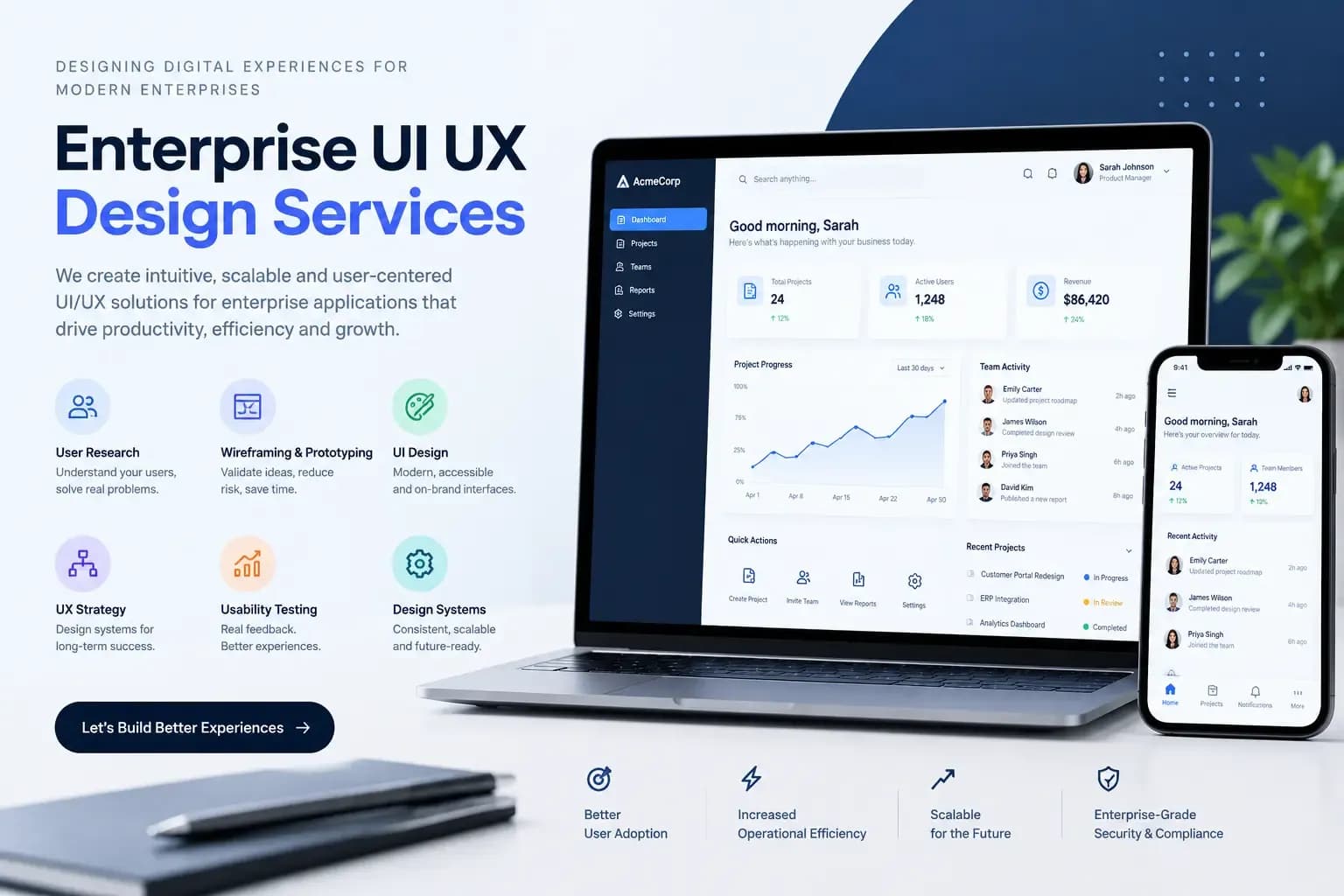
Instead of investing in expensive custom features from the beginning, startups can prioritize the elements that directly affect how customers browse, evaluate, and purchase products. Businesses planning their website interfaces can also explore Inforisen's UI/UX design services.
For example, a new clothing store does not necessarily need an advanced product recommendation system at launch. A clear product catalog, useful filters, quality product images, visible size information, and a simple checkout process may be more important.
An affordable UX design approach helps startups:
- Reduce unnecessary design and development expenses.
- Make products easier for customers to discover.
- Improve navigation across desktop and mobile devices.
- Build customer confidence through clear information.
- Identify usability problems before investing in advanced features.
- Create a website that can support future business growth.
The main objective is not to create the cheapest possible website. It is to make practical design decisions that support customers and business goals.
Why Do Startups Need Affordable E-commerce UX Design?
Startups need affordable e-commerce UX design because they often operate with limited budgets, smaller teams, and uncertain customer demand. A user-friendly website helps them present products clearly, establish trust, and make the purchasing process easier without investing in unnecessary design elements.
A website may have attractive colors, professional images, and modern animations, but these elements cannot compensate for confusing navigation or a difficult checkout process.
Here are some reasons why UX design matters for early-stage e-commerce businesses.
1. Makes Product Discovery Easier
Customers should be able to find relevant products without exploring multiple unrelated pages. Clear categories, search functionality, and useful filters help visitors narrow down their choices.
For example, an online electronics store can organize products into categories such as smartphones, laptops, accessories, and home appliances.
2. Builds Customer Trust
Customers may hesitate to purchase from a new online store because they are unfamiliar with the business. A clear website layout, transparent pricing, genuine product images, contact information, and visible return policies can help reduce uncertainty.
3. Reduces Purchasing Friction
A complicated checkout process can discourage customers from completing an order. Startups should make essential information easy to enter and display delivery costs, payment options, and order details before the final purchase.
4. Supports Mobile Shopping
Many customers browse online stores using smartphones. A responsive design with readable text, touch-friendly buttons, and properly arranged product images helps mobile visitors interact with the website.
5. Helps Startups Spend Their Budget Wisely
A startup does not need every possible e-commerce feature at launch. Prioritizing essential usability improvements allows businesses to invest in features according to actual customer needs.
What Features Should an Affordable E-commerce Website Include?
An affordable e-commerce website should include the core features customers need to browse products, evaluate their options, and complete purchases. Startups should prioritize homepage navigation, product categories, search and filtering, product detail pages, shopping carts, checkout, and customer support.
The following features provide a practical starting point.
1. Simple Homepage Design
The homepage should communicate what the business sells and help visitors reach important product categories.
Include:
- A clear brand logo and navigation menu.
- A short headline explaining the store's offering.
- Featured products or popular categories.
- A visible search option.
- Clear calls to action.
- Links to customer support and important policies.
Avoid filling the homepage with too many banners, animations, or promotional messages. Visitors should understand the store's purpose without searching through multiple sections.
2. Organized Product Categories
Product categories help customers explore a store without knowing the exact product name. For example, a beauty products store may organize its products into skincare, haircare, makeup, and personal care. Use descriptive category names and maintain a logical hierarchy. Avoid creating too many overlapping categories because they can make navigation confusing.
3. Product Search and Filtering
Search and filtering features help customers find products based on their preferences.
Depending on the product catalog, useful filters may include:
- Price range.
- Brand.
- Size.
- Color.
- Product type.
- Customer rating.
- Availability.
Startups with smaller catalogs can begin with basic category filters and expand them as the product range grows.
4. Informative Product Pages
Product pages help customers understand what they are purchasing. Each page should provide sufficient information to support a buying decision.
Important elements include:
- Clear product names.
- High-quality product images.
- Product descriptions and specifications.
- Available sizes, colors, or variations.
- Price and discount information.
- Stock availability.
- Shipping and return information.
- Customer reviews, when available.
- A visible Add to Cart button.
Avoid using vague descriptions or hiding important product information below multiple unrelated sections.
5. Simple Shopping Cart
The shopping cart should give customers a clear overview of their selected products before checkout. Include product images, names, quantities, individual prices, estimated delivery charges, and the order total. Allow customers to update quantities or remove products easily. Also, make the checkout button easy to locate.
6. Easy Checkout Process
Checkout should collect only the information necessary to complete an order. Offer guest checkout where appropriate, clearly label required fields, and provide helpful error messages when customers enter incorrect information. For example, an online store should not force every first-time visitor to create an account before purchasing a product.
Display payment methods, shipping costs, and the final order total before customers confirm their purchase.
7. Customer Support and Trust Information
New customers often have questions about delivery, payment, returns, and product quality.
Include accessible links to:
- Contact information.
- Frequently asked questions.
- Shipping policy.
- Return and refund policy.
- Privacy policy.
- Terms and conditions.
A simple contact form or support email may be sufficient for a startup before investing in advanced customer service software.
For a broader understanding of the technical and business requirements, read Ecommerce Website Development Requirements for Small Businesses.
How Can Startups Design an Affordable E-commerce Website Step by Step?
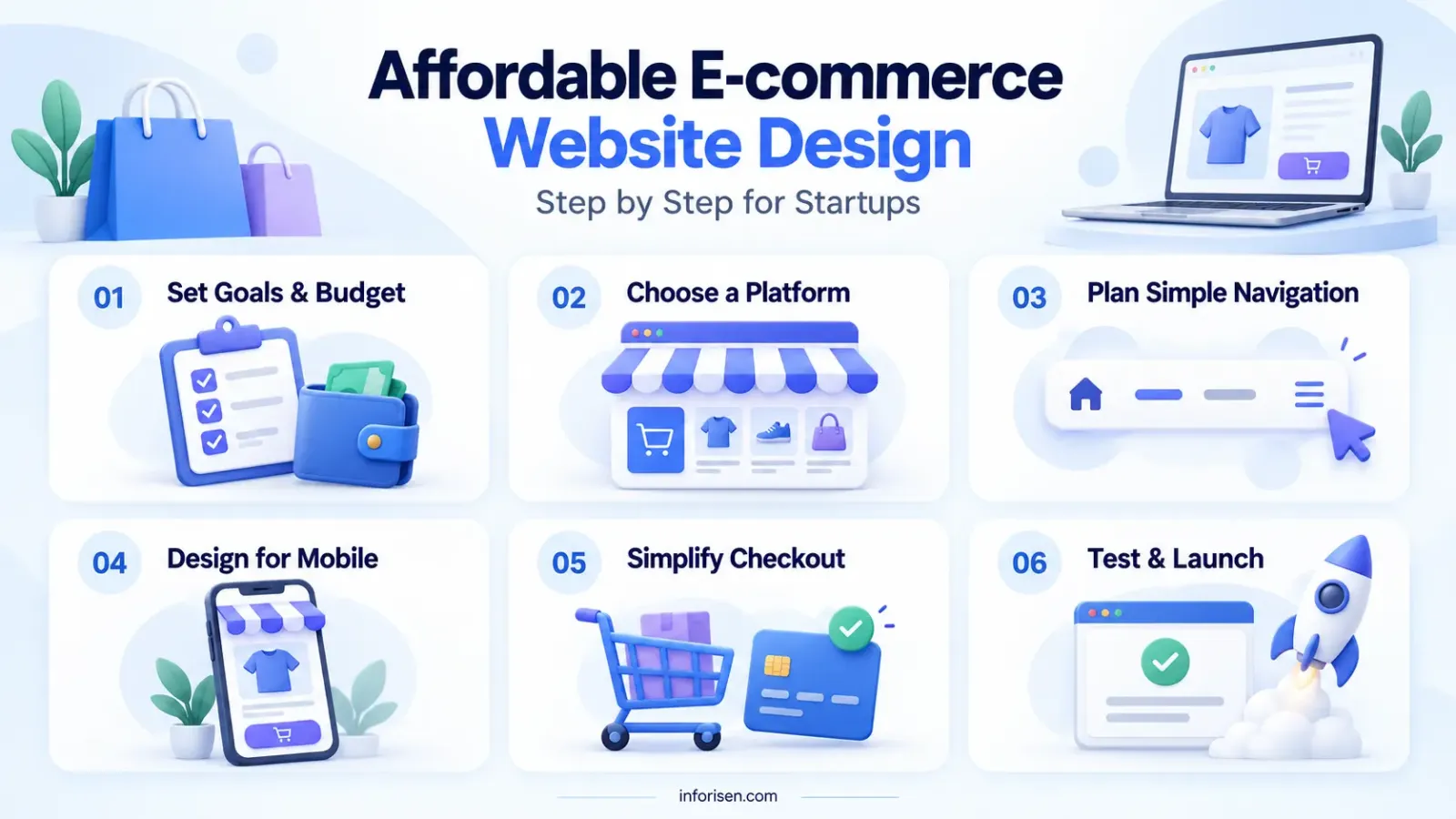
Startups can design an affordable e-commerce website by understanding their customers, identifying essential features, planning the website structure, selecting an appropriate platform, and testing the shopping experience before launch.
A structured process helps prevent unnecessary development work and reduces the risk of spending money on features that customers may not need.
Step 1. Identify Your Target Customers
Start by understanding who will use your online store.
Consider:
- What products are customers looking for?
- Which devices do they commonly use?
- What information do they need before purchasing?
- What problems might prevent them from completing an order?
- What payment and delivery options do they expect?
For example, a startup selling handmade products may have customers who want to see product details, customization options, and delivery information before making a purchase.
These findings will help guide your design decisions.
Step 2. Define Your Essential Website Features
List the features your store needs to operate successfully.
Separate them into two groups:
Essential features:
- Homepage and navigation.
- Product categories.
- Product detail pages.
- Shopping cart.
- Checkout and payment integration.
- Contact and policy pages.
Additional features:
- Product recommendation systems.
- Customer loyalty programs.
- Advanced personalization.
- Automated marketing integrations.
- Advanced product comparison tools.
Build the essential features first. Add advanced functionality when customer demand and business requirements justify the investment.
Step 3. Create a Simple Website Structure
Plan how customers will move between different pages.
A basic e-commerce website structure may look like this:
Homepage → Product Categories → Product Listing → Product Details → Shopping Cart → Checkout → Order Confirmation.
Keep important pages accessible through the main navigation or relevant internal links. A simple sitemap and low-fidelity wireframes can help you understand the website layout before development begins.
Step 4. Choose a Suitable E-commerce Platform
The platform you choose affects your initial expenses, customization options, maintenance requirements, and future scalability.
Consider the following options:
Shopify: A hosted e-commerce platform that provides store management features, themes, and integrations. It can be suitable for startups that prefer managed hosting and a simpler setup process.
WooCommerce: An e-commerce solution built for WordPress. It offers flexibility and control over website customization, although hosting, maintenance, and plugin management require attention.
Wix: A website-building platform with visual editing tools and e-commerce functionality. It may suit smaller stores that want to manage website design without extensive development work.
Custom development: A website built around specific business requirements. It offers greater control but may require a larger initial budget, technical expertise, and ongoing maintenance.
Do not select a platform based only on its starting price. Consider transaction fees, hosting, extensions, security, support, and future customization costs.
Step 5. Design the Main User Interfaces
Create wireframes for the homepage, product listing, product detail, cart, and checkout pages.
Focus on:
- Consistent spacing and typography.
- Clear visual hierarchy.
- Readable product information.
- Visible navigation elements.
- Consistent button styles.
- Simple forms and input fields.
You can use tools such as Figma to create wireframes and interface prototypes before investing in development.
Step 6. Develop a Mobile-Friendly Interface
Make sure the website works properly on smartphones, tablets, and desktop screens.
Check whether:
- Text remains readable without zooming.
- Buttons have sufficient touch areas.
- Product images fit the screen.
- Navigation menus are easy to use.
- Forms work with mobile keyboards.
- Checkout does not require unnecessary scrolling or repeated input.
Test important shopping tasks on actual mobile devices instead of relying only on desktop previews.
Step 7. Test the Website Before Launch
Before making the website available to customers, test the complete purchasing process. Ask a few people who represent your target audience to perform common tasks, such as finding a product, checking its details, adding it to the cart, and completing a test purchase.
Observe where they hesitate, make mistakes, or need assistance. Fix major usability problems before spending money on additional features.
How Much Does Affordable E-commerce UX Design Cost for Startups?
The cost of affordable e-commerce UX design depends on the website's complexity, number of pages, customization requirements, platform, design resources, and development needs. A basic template-based store generally requires less investment than a fully customized e-commerce experience.
There is no single price that applies to every startup. Instead, businesses should evaluate the following cost components.
What Factors Affect E-commerce UX Design Costs?
Several factors influence how much a startup needs to spend.
1. Website Complexity: A small store with a limited product catalog usually requires less design work than a large marketplace with multiple product categories and advanced functionality.
2. Number of Unique Page Templates: A store with five distinct page layouts may require less design effort than one with several custom page types.
3. Customization Requirements: Using an existing theme can reduce initial design work. However, extensive changes to its structure or functionality may increase costs.
4. UX Research Requirements: Extensive interviews, usability studies, and customer journey research require additional time and resources.
5. Integrations: Payment gateways, shipping providers, inventory systems, and third-party tools can increase implementation costs.
6. Ongoing Maintenance: Security updates, bug fixes, content changes, and performance improvements should be included in the long-term budget.
Startups should request a breakdown of design, development, platform, and maintenance expenses before approving a project.
For additional guidance on choosing design support within a limited budget, see UI/UX Design Services for Solopreneurs.
What Are the Best Ways to Reduce E-commerce UX Design Costs?
Startups can reduce e-commerce UX design costs by using existing design systems, prioritizing essential pages, choosing suitable website templates, limiting unnecessary custom functionality, and testing early prototypes.
Here are practical ways to manage the budget without ignoring usability.
1. Use a Pre-Built Design System
A design system includes reusable components such as buttons, forms, navigation menus, typography, and spacing rules.
Using consistent components reduces repetitive design work and makes future updates easier.
2. Start With an MVP
A Minimum Viable Product (MVP) includes the essential functionality needed to launch and test a business idea. Instead of building every planned feature, start with the basic shopping experience and improve it based on customer feedback.
For example, an online clothing startup can initially launch with product categories, size selection, product details, cart, and checkout. Advanced personalization can be introduced later if needed.
3. Use Templates Carefully
Pre-built e-commerce themes can reduce initial design and development work. However, choose a theme that supports your product types, mobile layouts, navigation requirements, and checkout needs. A cheap theme that requires extensive modifications may eventually cost more.
4. Avoid Unnecessary Animations and Features
Advanced animations, complex transitions, and decorative effects are not essential for every online store.
Prioritize clear product presentation, useful information, fast interactions, and accessible controls.
5. Validate Designs Before Development
Testing wireframes and prototypes can reveal navigation problems before developers start building the website.
Fixing a design problem during the wireframing stage is generally less expensive than changing an implemented feature later.
6. Improve the Website in Stages
Divide the project into smaller development phases.
For example:
- Phase 1: Essential shopping experience.
- Phase 2: Customer accounts and improved product discovery.
- Phase 3: Advanced filtering and personalization.
- Phase 4: Additional integrations and automation.
This approach helps startups manage expenses according to their actual business requirements.
What Are the Most Common E-commerce UX Mistakes Startups Should Avoid?
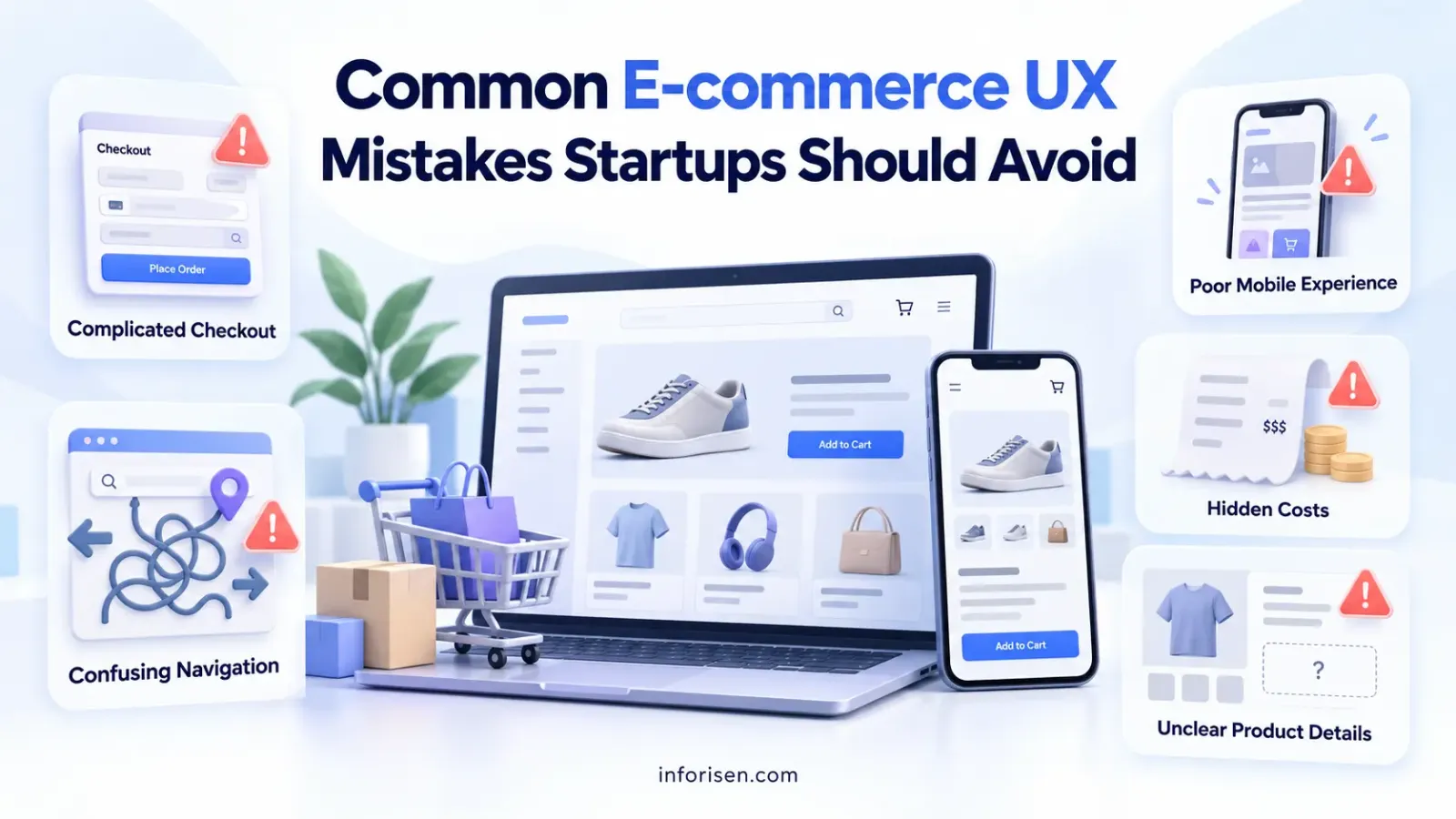
Startups should avoid confusing navigation, incomplete product information, complicated checkout forms, poor mobile layouts, hidden delivery costs, and unclear calls to action. These issues can make it difficult for customers to complete basic shopping tasks.
The following mistakes deserve particular attention.
1. Designing Only for Desktop Users
A website that looks good on a computer may not work properly on a smartphone. Small buttons, crowded product images, and difficult navigation can create problems for mobile shoppers.
Solution: Test the main shopping journey across different screen sizes and devices.
2. Hiding Important Product Information
Customers need to understand product specifications, dimensions, sizes, materials, and available variations before purchasing.
Solution: Display relevant product details near the product images and buying options.
3. Making Checkout Too Complicated
Unnecessary account creation, lengthy forms, unclear error messages, and hidden charges can interrupt the purchasing process.
Solution: Simplify the checkout flow and show the complete order cost before payment confirmation.
4. Using Unclear Calls to Action
Buttons such as "Click Here" may not communicate what happens next.
Solution: Use descriptive labels such as "Add to Cart," "View Product," and "Continue to Checkout."
5. Ignoring Website Accessibility
Poor color contrast, missing form labels, and inaccessible navigation can prevent some users from interacting with the store.
Solution: Follow relevant Web Content Accessibility Guidelines (WCAG), provide sufficient color contrast, use descriptive labels, and support keyboard navigation.
6. Adding Too Many Pop-Ups
Frequent promotional pop-ups can interrupt product browsing and make the shopping experience frustrating.
Solution: Use promotional messages selectively and ensure they do not block essential website functions.
For a clearer understanding of interface design and user experience, read Difference Between UI and UX Design.
Which Tools Can Startups Use for Affordable E-commerce UX Design?
Startups can use free or low-cost UX design tools to create wireframes, build prototypes, test interfaces, and monitor website performance. The right tools depend on the team's design experience, project requirements, and available budget.
Here are some useful options.
Tool availability, pricing, and feature limits can change. Check each provider's current plan before selecting a tool. Startups do not need to subscribe to every tool. Begin with the tools that solve immediate design and testing problems.
How Can Startups Measure the Success of Their E-commerce UX Design?
Startups can measure e-commerce UX performance by tracking how easily visitors discover products, interact with important features, and complete purchases. Website analytics, usability testing, and customer feedback can help identify where the shopping experience needs improvement.
Important metrics include:
How Should Startups Use These Metrics?
Start by establishing a baseline using the available analytics data. For example, if many visitors add products to their carts but leave before completing checkout, investigate shipping charges, payment options, account requirements, and form usability.
If visitors use the search feature frequently but do not reach product pages, review search relevance and product categorization. Avoid changing several major design elements simultaneously. Make targeted improvements and compare the results over a reasonable period.
How Can Inforisen Help Startups With Affordable E-commerce UX Design?
Inforisen can support startups that need user-focused website design and UI/UX services to build or improve their digital products. A structured design approach can help businesses identify important user requirements, organize website content, and develop interfaces that make shopping easier.
Depending on the project requirements, the design process may include:
UX Research and Planning: Understanding the target audience, business goals, and customer shopping requirements.
Information Architecture: Organizing product categories, navigation, and website content so customers can find information easily.
Wireframing and Prototyping: Planning page layouts and creating interactive prototypes before development.
UI Design: Designing consistent visual elements, including typography, buttons, forms, and product layouts.
Responsive Design: Planning interfaces that work across desktop, tablet, and mobile devices.
Usability Improvements: Identifying navigation, product discovery, and checkout problems that may affect the customer experience.
Startups can discuss their project requirements and budget before deciding which design services and features are necessary. Learn more about Inforisen's UI/UX Design Services to understand how professional design support can fit into your e-commerce project. Visit Inforisen to learn more about the company's digital solutions.
Frequently Asked Questions
1. What Is the Cheapest Way to Design an E-commerce Website?
Using a suitable pre-built e-commerce theme, limiting custom functionality, and prioritizing essential shopping features can reduce initial design expenses. Start with a simple website structure and introduce advanced features as the business grows.
2. Can Startups Build an E-commerce Website Without a UX Designer?
Yes. Startups can use website builders, existing templates, and basic design tools to create an initial online store. However, professional UX support can help identify usability problems and improve complex shopping experiences.
3. Is Shopify or WooCommerce Better for Startups?
Shopify may suit startups that prefer a hosted platform with managed store functionality. WooCommerce may suit businesses that want more control over a WordPress-based store. The better choice depends on budget, technical skills, customization needs, and maintenance requirements.
4. How Much Should a Startup Spend on E-commerce UX Design?
There is no fixed budget because costs depend on website complexity, design scope, platform, integrations, and development requirements. Startups should prioritize essential features and request itemized project estimates before choosing a design solution.
5. What Are the Most Important UX Features for an Online Store?
The most important features include clear navigation, organized product categories, product search, informative product pages, a simple shopping cart, an easy checkout process, and accessible customer support information.
6. Why Is Mobile UX Important for E-commerce Startups?
Mobile UX is important because customers frequently browse and shop using smartphones. A responsive interface, readable content, touch-friendly controls, and simplified forms help mobile visitors interact with an online store.
7. Should Startups Hire a Freelance UX Designer or an Agency?
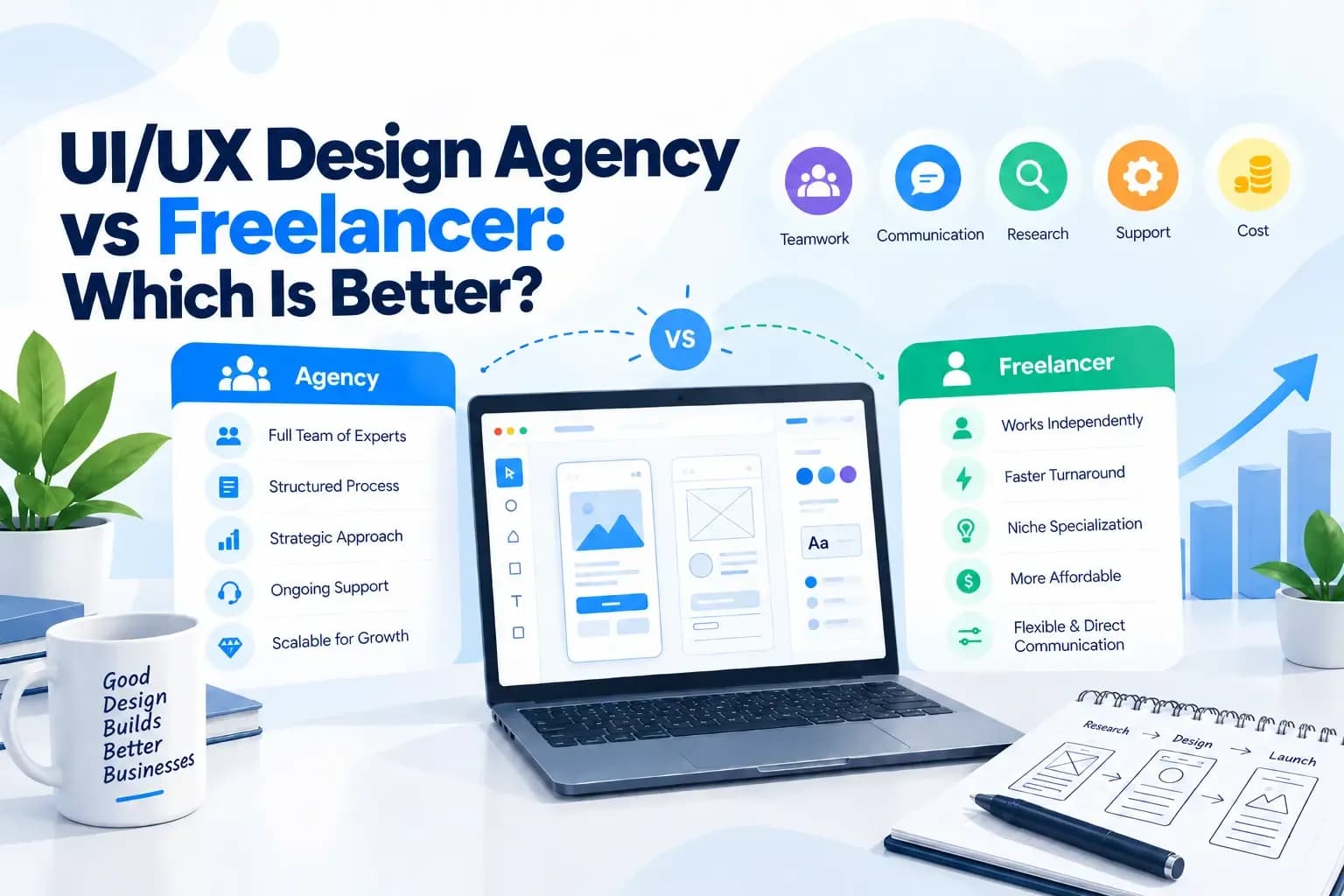
A freelance UX designer may suit startups with a smaller, clearly defined design project. An agency may be more appropriate when the business needs multiple services, such as UX research, UI design, prototyping, and development coordination. Compare experience, project scope, communication, and pricing before making a decision.
8. How Can Startups Test E-commerce UX Before Launch?
Startups can test UX through clickable prototypes, task-based usability tests, feedback sessions, and complete test purchases. Ask potential customers to find a product and complete the shopping journey while observing where they encounter difficulties.
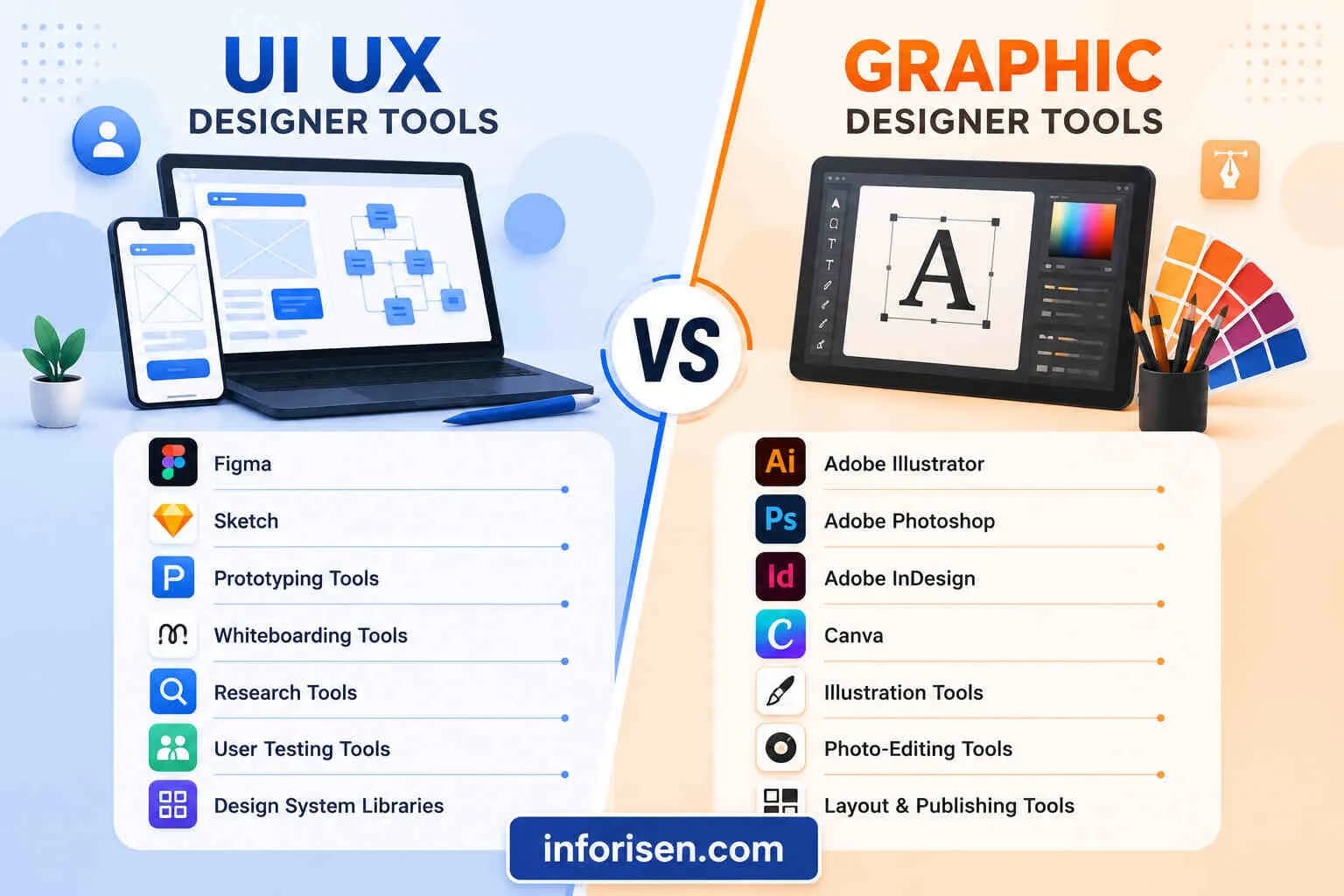
9. What Is the Difference Between UI and UX Design in E-commerce?
UX design focuses on the overall shopping experience, including navigation, product discovery, and checkout. UI design focuses on the visual and interactive elements, such as buttons, colors, typography, forms, and page layouts. Both work together to create a usable online store.
10. Can Affordable E-commerce UX Design Support Business Growth?
Yes. A well-planned UX foundation can make it easier to introduce new product categories, improve navigation, and add features as customer requirements change. However, business growth also depends on product quality, pricing, marketing, operations, and customer demand.
Final Thoughts
Affordable e-commerce UX design for startups is about making thoughtful design decisions within a limited budget. A successful online store does not need every advanced feature from the beginning. It needs a clear structure, useful product information, responsive layouts, straightforward navigation, and a checkout process that customers can understand.
Startups should focus on essential shopping features, use suitable design tools, test interfaces before development, and improve the website based on actual customer behavior.
By investing in the right UX elements at the right time, startups can create a practical online shopping experience without unnecessary expenses. For businesses that need professional support, Inforisen's UI/UX design services can help plan and improve website interfaces according to project requirements.