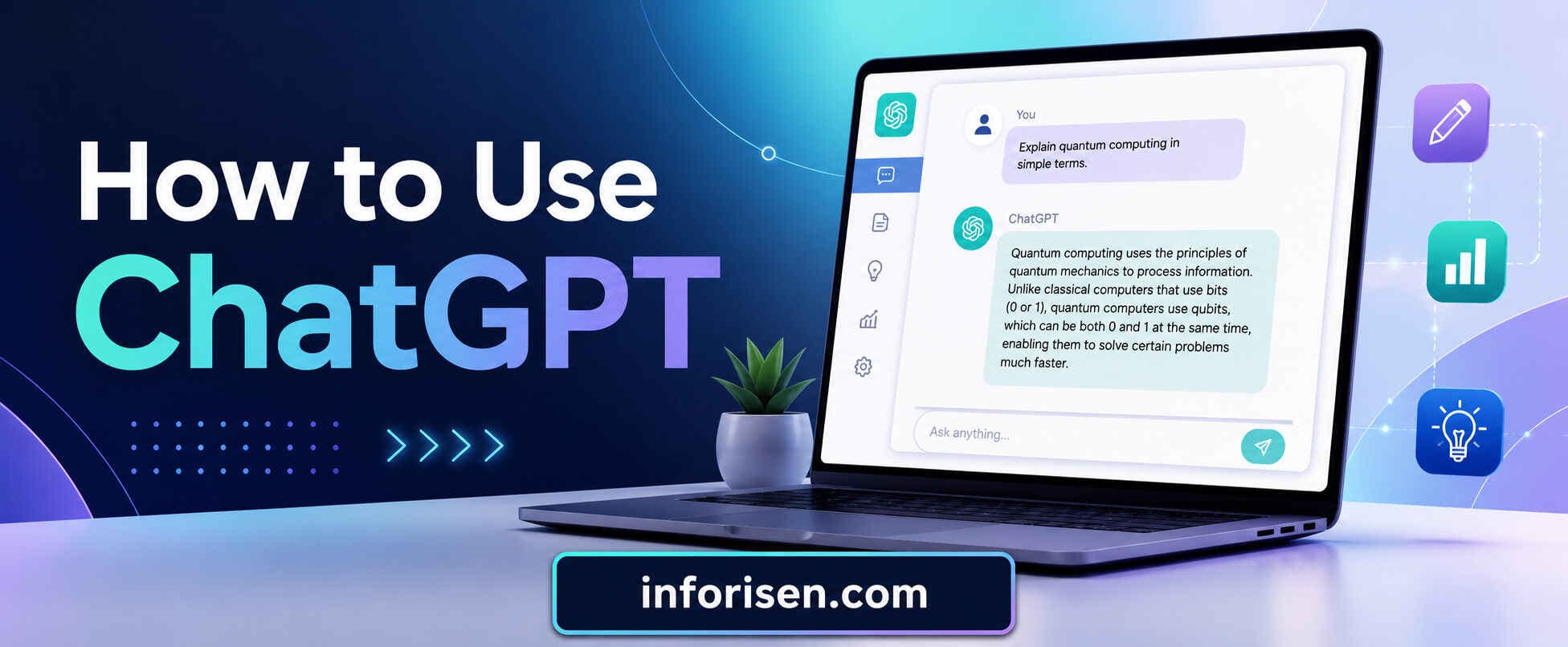
How to Use ChatGPT for UX Design?
Learn how to use ChatGPT for UX design, UX research, user personas, journey mapping, microcopy, usability testing, and better human-focused design.
UX design is about understanding people, solving problems, and making digital products easier to use. How to use ChatGPT for UX design is now an important question for designers, agencies, startup founders, and product teams that want faster research, clearer ideas, and better content without replacing real design thinking.
ChatGPT can help with UX research, user persona creation, journey mapping, UX writing, usability test planning, and idea generation. OpenAI describes ChatGPT as useful for answering questions, explaining concepts, drafting, rewriting, summarizing, and giving creative suggestions, which makes it helpful in many parts of the UX workflow.
Can ChatGPT Help With UX Design?
Yes, ChatGPT can help with UX design, but it works best when it supports human decision-making. It can organize messy ideas, create first drafts, suggest user flows, rewrite microcopy, and help teams explore different user needs.
Still, UX is not only about writing prompts. A strong UX process also needs real users, business goals, product logic, usability testing, and design judgment. If you want to understand the full role of a UX professional, what does a UI/UX designer do explains how designers connect research, visuals, structure, and user behavior.
ChatGPT is helpful because it reduces blank-page pressure. Instead of starting from nothing, designers can ask it to create a rough structure. Then they can edit, validate, and improve the output based on real product needs.
Where ChatGPT Fits in the UX Process
ChatGPT can support almost every early and middle stage of UX design. It is especially useful when the designer needs speed, structure, and alternative thinking.
| UX Stage | How ChatGPT Helps | Human Designer’s Role |
|---|---|---|
| Discovery | Generates research questions and assumptions | Checks business context and real user needs |
| UX Research | Summarizes interviews and survey patterns | Validates insights with evidence |
| Persona Creation | Drafts user personas and pain points | Refines with real data |
| Journey Mapping | Creates user steps, emotions, and friction points | Confirms actual behavior |
| Information Architecture | Suggests page structure and content grouping | Tests clarity and navigation |
| UX Writing | Writes button text, labels, error messages, and onboarding copy | Makes it brand-safe and user-friendly |
| Usability Testing | Creates test scripts and task scenarios | Runs tests with real users |
| Design Review | Finds possible gaps and friction | Makes final product decisions |
This shows one important thing. ChatGPT can support UX work, but it should not own the final decision. Next, let’s look at how UX designers can use it in real projects.
How to Use ChatGPT for UX Design in Real Projects?

UX designers use ChatGPT as a thinking partner. They ask it to explore user problems, compare solutions, create content drafts, and review product flows. This saves time during planning and helps teams avoid missing obvious friction.
For example, a designer working on a booking app can ask ChatGPT to list common user fears before payment. The tool may suggest trust issues, hidden fees, refund confusion, or unclear cancellation rules. These ideas can help the designer prepare better research questions.
Nielsen Norman Group advises UX professionals to use generative AI to enhance their skills while staying careful about hallucinations and weak outputs. This is very important because ChatGPT can sound confident even when the answer is incomplete.
A good UX designer does not copy everything from ChatGPT. They use it to create a first version, then improve it with research, analytics, user testing, and product goals.
Best Use Cases for ChatGPT in UI/UX Projects
ChatGPT becomes more useful when the task is clearly defined. Vague prompts create generic answers. Specific prompts create better UX support.
| Use Case | Example Task |
|---|---|
| UX Research Planning | Create interview questions for first-time SaaS users |
| Persona Building | Build a persona for a small business owner using a CRM |
| Journey Mapping | Map the journey from signup to first purchase |
| UX Writing | Write clearer error messages for failed payment |
| Product Strategy | Compare two onboarding flow ideas |
| Content Design | Create labels for dashboard navigation |
| Usability Testing | Write five tasks for testing a mobile checkout page |
| Stakeholder Communication | Summarize UX findings for a client presentation |
This is why many product teams now use ChatGPT during early UX planning. It helps them move faster before deeper design work starts.
ChatGPT for UX Research
ChatGPT for UX research is useful when you need to plan, organize, and summarize information. It can help create interview questions, survey questions, competitor analysis points, and research assumptions.
A UX researcher may ask ChatGPT to create questions for users who abandoned a checkout page. The tool can suggest questions about price clarity, trust, payment options, delivery cost, and page speed. These questions can guide the research session.
However, ChatGPT cannot replace real user research. It cannot feel frustration like a real customer. It cannot tell you what your actual users did unless you provide real data. This is why UX research should always include interviews, surveys, analytics, heatmaps, or usability testing.
Prompt Example for UX Research
Use this kind of prompt when planning research:
“Act as a UX researcher. Create 10 interview questions for users who visited a service website but did not submit the contact form. Focus on trust, clarity, pricing, page speed, and service understanding. Keep the questions open-ended.”
This type of prompt gives ChatGPT a role, a goal, and clear research areas. The result will be more useful than asking, “Give me UX research questions.”
After collecting answers from real users, ChatGPT can also help summarize patterns. But the designer must remove private data and check the summary manually.
ChatGPT for User Persona Creation
ChatGPT for user persona creation is one of the most common UX use cases. A persona helps the team understand who the product is for, what the user wants, what blocks them, and what type of experience they expect.
For example, if you are designing a website for an agency, ChatGPT can create different personas like a startup founder, marketing manager, ecommerce owner, or local service business owner. Each persona may have different goals and pain points.
But a persona created only by ChatGPT is a guess. It becomes stronger when you give the tool real inputs such as survey results, customer reviews, sales calls, website analytics, or support tickets.
What a Good UX Persona Should Include
A useful persona should not be too fancy. It should help the team make better product decisions.
A strong persona usually includes:
- User goal
- Main pain point
- Decision trigger
- Trust concern
- Preferred device
- Common objection
- Expected action
- Success definition
For example, a business owner searching for a professional UI/UX Design Company may evaluate trust, portfolio quality, service clarity, pricing transparency, and experience working with international clients. A good UX persona should reflect those priorities in a simple and practical way.
Using ChatGPT for User Journey Mapping
Using ChatGPT for user journey mapping helps designers understand what users may think, feel, and do at each step. A user journey map shows the full path from the first problem to the final action.
For example, a user looking for a UX design agency may start with a Google search. Then they visit the website, compare services, check trust signals, review case studies, and decide whether to contact the agency.
ChatGPT can turn this journey into stages. It can also suggest friction points, emotional states, and content needs for each stage.
Example User Journey Map
| Stage | User Thought | UX Need | Possible Friction |
|---|---|---|---|
| Awareness | “I need a better website experience.” | Clear problem explanation | Too much technical language |
| Research | “Who can solve this?” | Service clarity and trust | Weak portfolio or unclear offer |
| Comparison | “Which agency is better?” | Proof, process, and pricing logic | No clear difference |
| Decision | “Can I trust them?” | Strong CTA and contact options | Confusing form |
| Action | “I want to talk.” | Easy contact flow | Long form or slow response |
This kind of map helps the designer see the full experience, not just one screen. Next, the same thinking can improve UX writing and microcopy.
ChatGPT for UX Writing and Microcopy
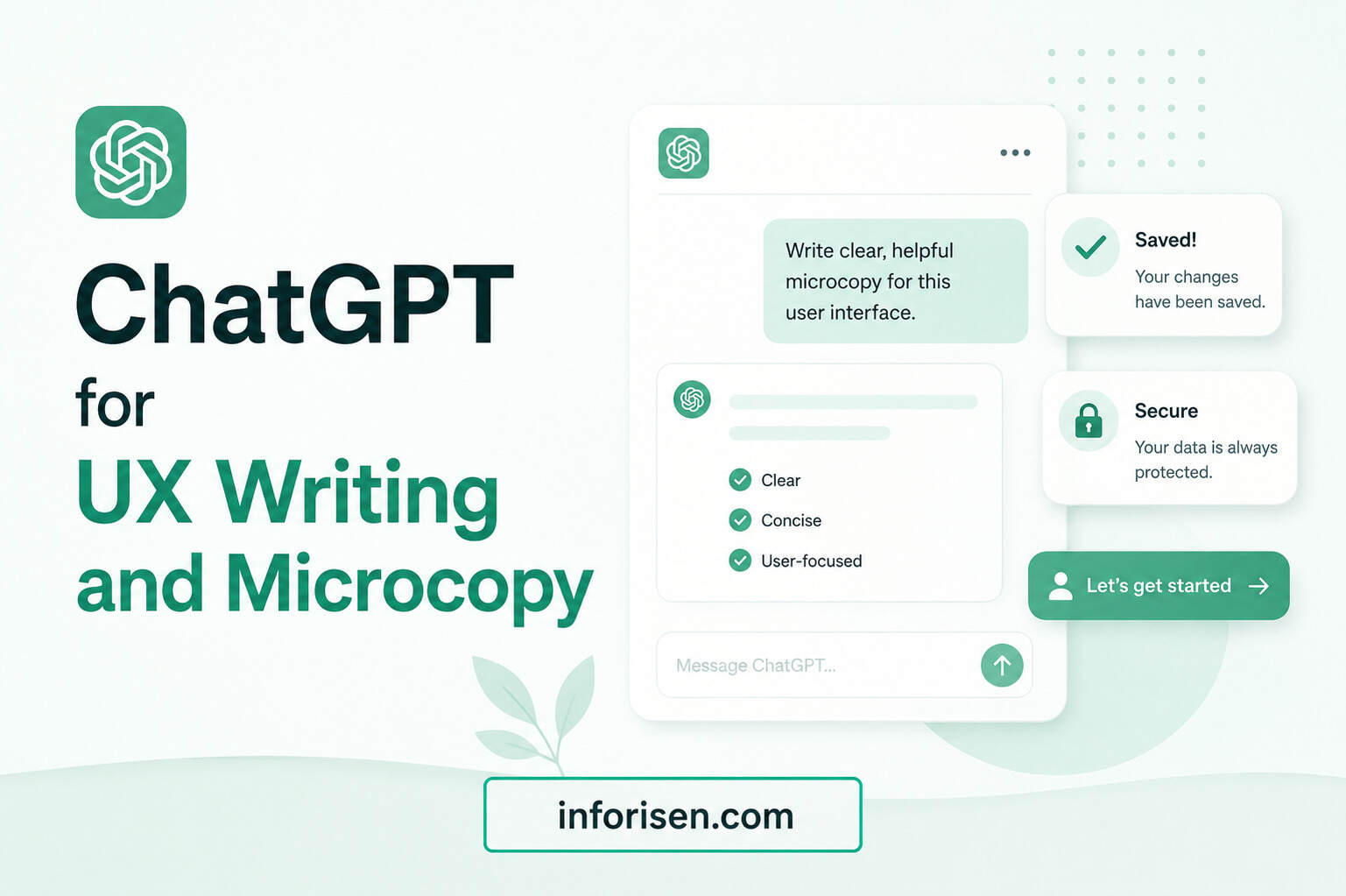
ChatGPT for UX writing and microcopy is very useful because small words can change user behavior. Button text, form labels, error messages, onboarding steps, and confirmation messages all affect trust.
For example, “Submit” is basic. “Get My Free Consultation” is clearer when the user is filling out a service form. “Error” is cold. “Please enter a valid email address” is more helpful.
Good UX writing reduces confusion. It also supports SEO and conversion when the website structure is clear. The relationship between design, user behavior, and ranking is explained in how UI/UX design affects SEO and website ranking, because search performance often improves when users can move through a site more easily.
Prompt Example for UX Microcopy
“Rewrite these form error messages in a friendly and clear tone. Keep each message under 12 words. The users are small business owners filling out a service inquiry form.”
This prompt helps ChatGPT write with context. It also sets a word limit and audience type, which improves the result.
Best ChatGPT Prompts for UX Design

The best ChatGPT prompts for UX design are clear, specific, and connected to a real goal. A weak prompt creates generic content. A strong prompt gives the tool a role, task, audience, product type, and output format.
Here are some useful prompts for UX designers:
| UX Task | Prompt |
|---|---|
| Research Plan | “Act as a UX researcher. Create a research plan for a landing page redesign targeting B2B service buyers.” |
| Persona | “Create three user personas for a SaaS dashboard used by small business owners. Include goals, fears, and decision triggers.” |
| Journey Map | “Create a user journey map for someone booking a consultation on an agency website.” |
| UX Writing | “Rewrite this onboarding text in a simple, friendly tone for non-technical users.” |
| Usability Test | “Create five usability testing tasks for a mobile checkout page.” |
| Design Review | “Review this user flow and list possible points of confusion.” |
| CTA Ideas | “Suggest 10 CTA button options for a UI/UX design service page. Keep them short and action-focused.” |
Good prompts do not ask ChatGPT to “make it better” without context. They explain what better means. Better can mean clearer, shorter, more trustworthy, more conversion-focused, or more beginner-friendly.
How to Use ChatGPT for UI/UX Projects Step by Step
ChatGPT works best when you use it as part of a structured process. Random prompts can create random results. A simple workflow keeps the output useful.
Step 1: Define the Product Goal
Start by telling ChatGPT what you are designing. Mention the product type, target user, business goal, and problem.
Example:
“We are designing a landing page for a UI/UX design agency. The target users are startup founders and business owners. The goal is to increase consultation requests.”
This gives the tool enough context to support the next steps.
Step 2: Create User Assumptions
Ask ChatGPT to list possible user goals, fears, objections, and questions. These are not final facts. They are research assumptions.
This helps the team prepare better interviews, surveys, or content sections.
Step 3: Build a Basic Persona
Use the assumptions to create a first persona. Then improve it with real data. The persona should be short, practical, and connected to design decisions.
Step 4: Map the User Journey
Ask ChatGPT to create a journey from first visit to final action. Look for weak points. Check where users may lose trust or feel confused.
Step 5: Improve Page Structure
ChatGPT can suggest section order for a service page, app screen, or onboarding flow. The designer should then adjust the structure based on real usability and business needs.
Step 6: Write UX Copy
Use ChatGPT to draft headlines, form labels, CTA text, empty states, and error messages. Then edit the copy so it matches the brand voice.
Step 7: Test and Validate
Use ChatGPT to create usability testing tasks. After testing, use it again to summarize findings. But always check the summary against the original feedback.
Can ChatGPT Replace UX Designers?

ChatGPT cannot replace UX designers.
It can support UX tasks, but it cannot fully replace human empathy, real observation, stakeholder communication, visual judgment, product strategy, or usability testing.
UX designers make decisions based on people, business needs, behavior, accessibility, and product constraints. ChatGPT can suggest ideas, but it does not know your users unless you provide real context.
It also cannot guarantee that a design will work. A design only becomes reliable after research, testing, and iteration. This is why ChatGPT should be used as an assistant, not as the final authority.
For people planning a long-term design career, is UI/UX a good career in 2030 shows why human design skills will still matter even as AI tools become more common.
Common Mistakes When Using ChatGPT for UX Design
Many designers use ChatGPT too quickly. They ask one broad question and copy the answer. This often creates weak UX output.
A better approach is to use ChatGPT in layers. Ask for ideas, then ask for risks, then ask for user objections, then ask for a better version.
Avoid these mistakes:
- Using ChatGPT without real user data
- Copying personas without validation
- Asking vague prompts
- Ignoring accessibility
- Treating AI output as final research
- Creating generic journey maps
- Forgetting business goals
- Using too much AI-written copy without editing
The best UX work still needs human review. ChatGPT can make the process faster, but the designer must make it accurate.
How Agencies Can Use ChatGPT for Better UX Services
Agencies can use ChatGPT to speed up early research, client communication, content planning, and UX documentation. This is helpful when clients need quick clarity before investing in a full design process.
For example, an agency can use ChatGPT to create first-draft research questions, competitor review points, homepage flow ideas, and service page content structures. Then the team can refine everything with strategy and experience.
A professional UI/UX Design Agency should not only make screens look modern. It should improve trust, navigation, conversion, and user satisfaction. That is why Inforisen focuses on design decisions that support both business goals and user needs.
ChatGPT can support this process, but the real advantage comes from combining AI speed with expert UX thinking.
Final Words
How to use ChatGPT for UX design is not about replacing designers. It is about working smarter. ChatGPT can help with UX research, user persona creation, user journey mapping, UX writing, microcopy, usability test planning, and design reviews.
The best results come when designers use ChatGPT with clear prompts, real user data, strong judgment, and proper testing. AI can create faster drafts, but human designers create meaningful experiences.
For businesses, startups, and agencies, the smartest approach is simple. Use ChatGPT to explore ideas faster. Use UX expertise to decide what is right.
FAQ
Yes, ChatGPT can help with UX design by supporting research planning, persona creation, journey mapping, UX writing, microcopy, and usability test preparation. It works best when designers use it as an assistant and validate the output with real user data.
UX designers use ChatGPT to brainstorm ideas, write research questions, summarize feedback, create draft personas, improve user flows, and rewrite interface copy. They also use it to find possible friction points in a product experience.
The best prompts include a clear role, product type, target user, goal, and output format. For example, “Act as a UX researcher and create 10 interview questions for first-time users of a mobile banking app.”
Yes, ChatGPT can create user personas, but they should be treated as draft personas. A strong persona should be based on real interviews, surveys, analytics, customer reviews, or support data.
Yes, ChatGPT can help create user journey maps by listing user stages, actions, emotions, pain points, and content needs. A designer should review the map and compare it with real user behavior.
Yes, ChatGPT is useful for writing button text, form labels, onboarding messages, error messages, empty states, and confirmation messages. The copy should be edited to match the brand voice and user context.
No, ChatGPT cannot replace UX designers. It can support UX tasks, but it cannot replace human empathy, real research, design judgment, stakeholder communication, usability testing, and strategic product thinking.


.webp&w=3840&q=75)
.jpg&w=3840&q=75)