What Does a UI UX Designer Do? Roles & Responsibilities
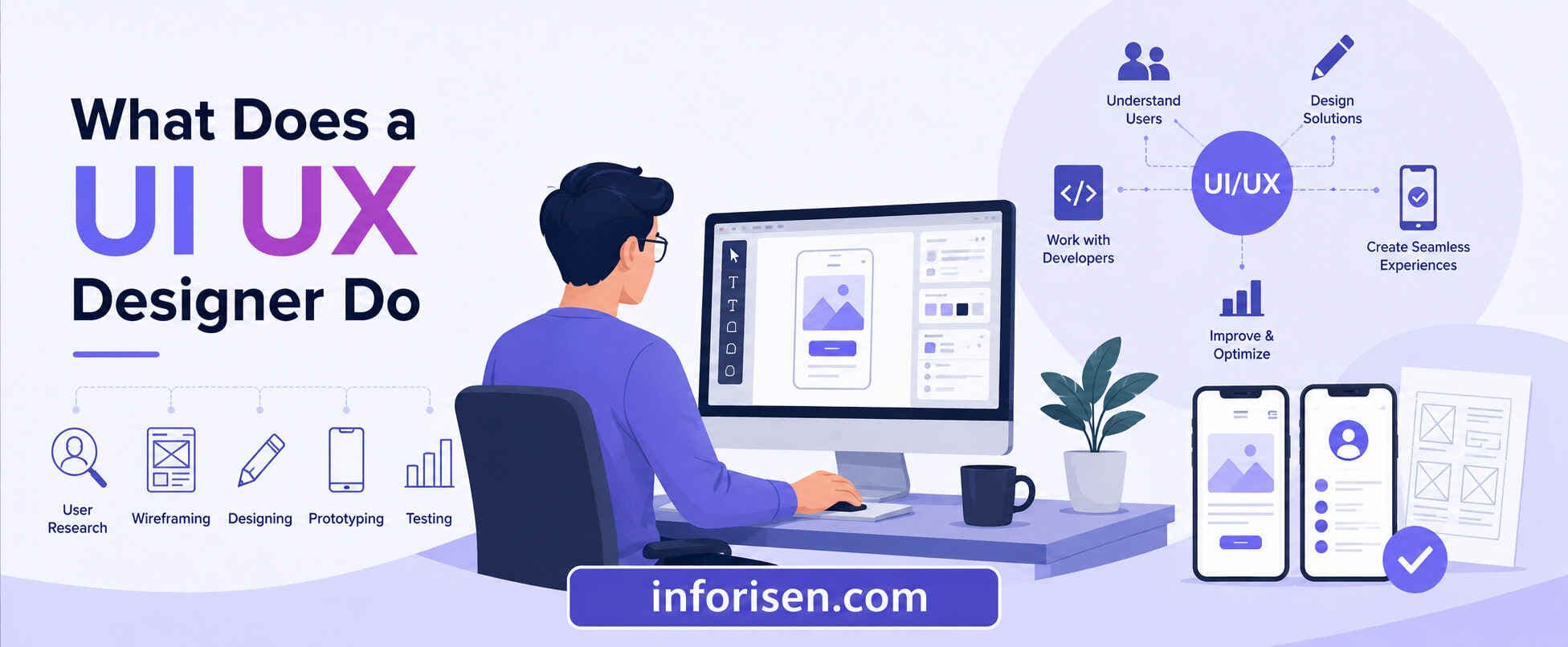
A UI/UX designer creates easy, attractive, and user-friendly digital products. They research users, solve design problems, and improve experiences. Their work also helps businesses reach their goals and satisfy customers.
When people ask what does a UI UX designer do, they usually want to know whether this role is about making websites look beautiful or creating better user experiences. In reality, a UI/UX designer combines creativity, research, psychology, and problem-solving to design digital products that are visually appealing, easy to navigate, and capable of achieving business goals.
Whether you're considering a career in design or planning to hire a designer for your business, understanding the complete role helps you make informed decisions. Let's explore every aspect of the profession—from responsibilities and daily tasks to the design process and essential skills.
Understanding the Role of a UI UX Designer
Every successful digital product begins with understanding its users. Before choosing colors, layouts, or animations, designers first identify user problems and business objectives. This balance between customer needs and company goals defines what is the role of a UI UX designer in modern product development.
A UI/UX designer focuses on creating digital experiences that are:
- User-friendly
- Visually attractive
- Accessible
- Functional
- Conversion-oriented
Rather than simply decorating a website or application, they create experiences that reduce friction and encourage users to complete desired actions, whether that's making a purchase, signing up, or finding information quickly.
The work also overlaps with business strategy, marketing, development, and customer support, making UI/UX design one of the most collaborative roles in product development.
What Does a UI Designer Do vs UX Designer?
Although people often combine the two roles, they serve different purposes. Understanding what does a UI designer do vs UX designer helps explain why both disciplines are equally important.
| UI Designer | UX Designer |
|---|---|
| Designs the visual interface | Designs the overall user experience |
| Creates buttons, typography, colors, icons | Conducts user research and usability testing |
| Focuses on aesthetics | Focuses on usability and functionality |
| Builds design systems | Maps user journeys |
| Ensures visual consistency | Solves user problems |
Think of UX as designing how a product works, while UI determines how it looks.
In many UI/UX companies, especially startups and agencies, one professional handles both responsibilities, making them a UI/UX designer.
Core UI UX Designer Responsibilities
Designing a digital product involves much more than creating attractive screens. The ui ux designer responsibilities cover every stage of product development, from research to post-launch improvements.
Typical responsibilities include:
- Understanding business goals
- Conducting user interviews
- Creating user personas
- Designing user journeys
- Developing information architecture
- Creating wireframes
- Building interactive prototypes
- Designing high-fidelity interfaces
- Collaborating with developers
- Testing usability
- Improving designs using user feedback
Each responsibility contributes toward building products that satisfy both users and stakeholders.
As these responsibilities become more specialized, companies often define them clearly within their hiring requirements.
UI UX Designer Job Description: What Employers Expect
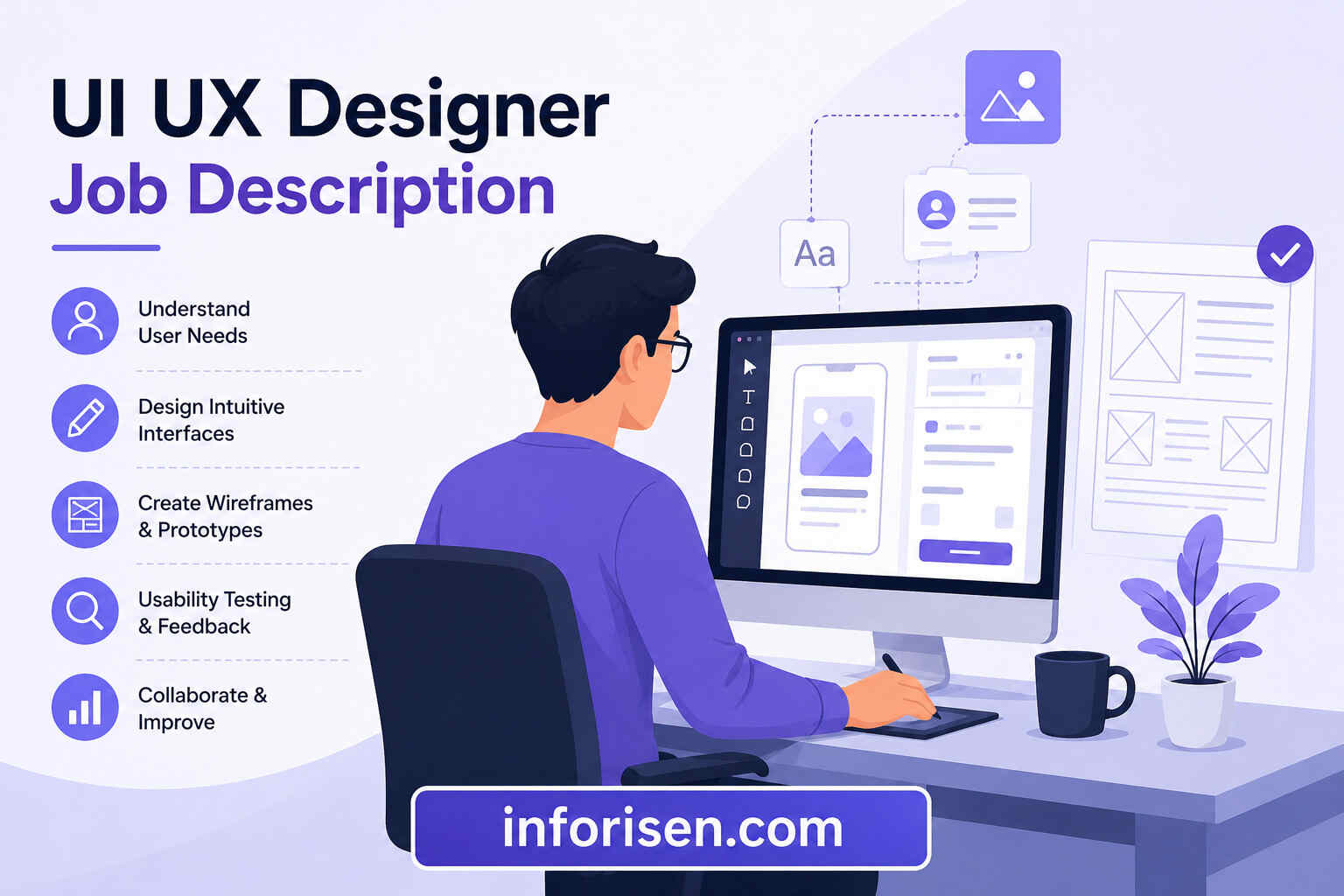
Organizations hiring designers generally look beyond creativity. A typical ui ux designer job description includes research capabilities, communication skills, and technical proficiency.
Common employer expectations include:
| Responsibility | Why It Matters |
|---|---|
| User research | Understand customer behavior |
| Interface design | Build visually engaging products |
| Prototype creation | Validate ideas before development |
| Cross-functional collaboration | Align design with business and development |
| Usability testing | Identify usability issues early |
| Design documentation | Maintain consistency across products |
Most companies also expect familiarity with responsive design, accessibility standards, and modern design systems.
Businesses seeking professional UI UX Design Services often prioritize agencies that demonstrate these capabilities through real-world case studies.
Essential UI UX Designer Skills
Great design comes from a combination of technical expertise and human understanding. Modern ui ux designer skills continue evolving alongside technology and changing user expectations.
The most valuable skills include:
Technical Skills
- Figma
- Adobe XD
- Sketch
- Photoshop
- Illustrator
- Prototyping tools
- Responsive design
- Design systems
- Basic HTML & CSS knowledge
Research Skills
- User interviews
- Survey design
- Competitor analysis
- Usability testing
- Analytics interpretation
Soft Skills
- Communication
- Critical thinking
- Collaboration
- Problem-solving
- Empathy
- Presentation skills
If you're planning to become a designer, understanding what skills required to become UI UX designer provides an excellent roadmap for developing industry-ready expertise.
Once these skills are mastered, designers begin applying them throughout the complete design workflow.
The UI UX Design Process Explained
Successful digital experiences rarely happen by accident. Every product follows a structured ui ux design process that minimizes risks while improving user satisfaction.
A typical workflow looks like this:
| Stage | Purpose |
|---|---|
| Discovery | Understand goals and users |
| Research | Collect user insights |
| Define | Identify problems |
| Ideation | Generate solutions |
| Wireframing | Create page layouts |
| Prototyping | Build interactive models |
| UI Design | Design visual interfaces |
| Testing | Validate usability |
| Development Handoff | Prepare assets for developers |
| Improvement | Iterate using feedback |
Each phase builds upon the previous one, ensuring decisions are supported by evidence instead of assumptions.
The first step of this process begins with understanding real users.
Why User Research Is the Foundation of UX Design
Many businesses underestimate the importance of user research in ux design, yet it is often the deciding factor between successful and unsuccessful products.
User research helps designers discover:
- Customer pain points
- Purchasing behavior
- Navigation preferences
- User expectations
- Accessibility requirements
- Feature priorities
Research methods include:
- Interviews
- Online surveys
- Heatmaps
- Session recordings
- Customer feedback
- Competitor research
- Analytics platforms
Instead of designing based on opinions, UX designers use research to support every design decision with data.
After understanding users, designers begin transforming research into tangible layouts.
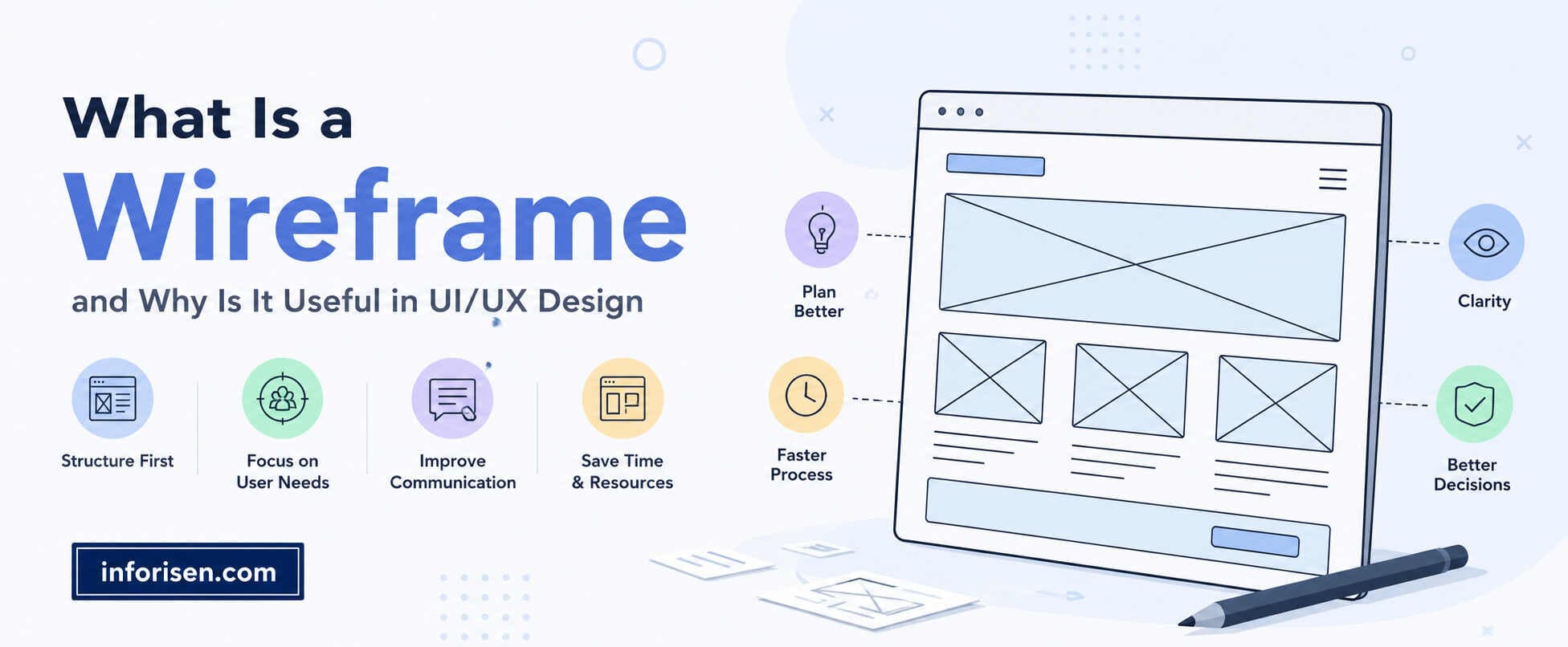
Wireframing and Prototyping: Turning Ideas into Interactive Experiences
Once user problems become clear, designers move into wireframing and prototyping to visualize potential solutions.
Wireframes are low-fidelity layouts showing:
- Navigation
- Content hierarchy
- Button placement
- Information flow
Prototypes add interaction by allowing users to:
- Click buttons
- Navigate pages
- Test user flows
- Experience animations
This stage identifies usability issues before developers write production code, reducing costly redesigns later.
Interactive prototypes also improve communication between designers, stakeholders, and developers because everyone can experience the product before it's built.
UI UX Designer Daily Tasks
Although projects vary, most ui ux designer daily tasks follow a consistent workflow.
A typical workday may include:
| Time | Activity |
|---|---|
| Morning | Team meetings and planning |
| Mid-morning | User research or competitor analysis |
| Afternoon | Wireframing and interface design |
| Late afternoon | Prototype testing |
| End of day | Developer collaboration and design revisions |
Designers frequently switch between research, visual design, collaboration, and testing depending on project requirements.
Because the role combines multiple disciplines, no two days are exactly alike.
How UI UX Design Impacts Business Growth

Excellent design benefits far more than aesthetics. Businesses investing in user-centered design often experience measurable improvements across several performance indicators.
Potential benefits include:
- Higher conversion rates
- Better customer satisfaction
- Increased engagement
- Lower bounce rates
- Improved accessibility
- Reduced development costs
- Stronger brand trust
- Better customer retention
Additionally, thoughtful interface design contributes to website performance and discoverability. Businesses interested in understanding how UI UX design affects SEO and website ranking can see how usability, page experience, and navigation influence both search engines and user behavior.
Ultimately, UI/UX design becomes a competitive advantage rather than simply a design expense.
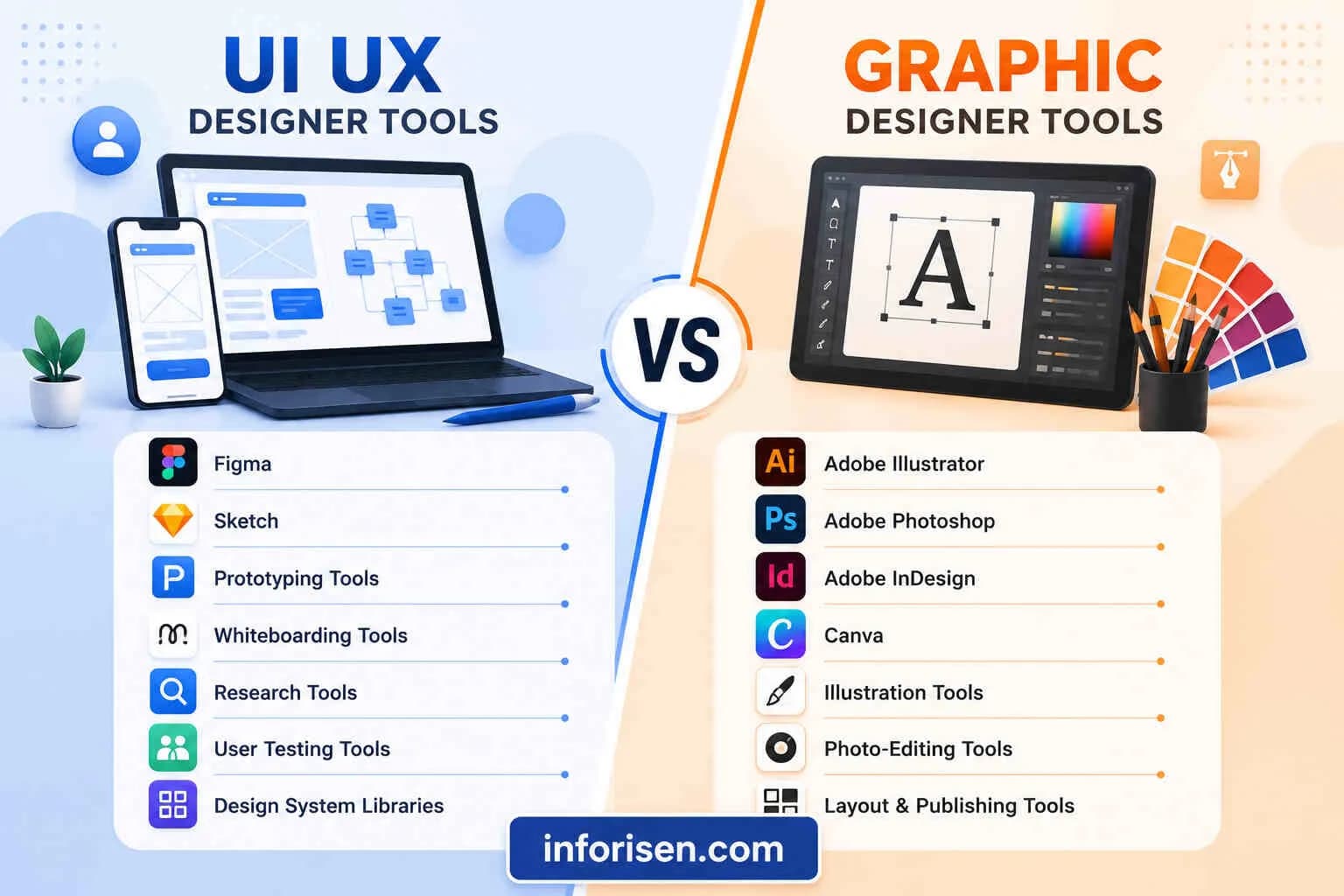
Common Tools Used by UI UX Designers
Professional designers rely on specialized software throughout different project stages.
| Category | Popular Tools |
|---|---|
| UI Design | Figma, Sketch, Adobe XD |
| Graphics | Illustrator, Photoshop |
| Prototyping | Figma, ProtoPie |
| Collaboration | FigJam, Miro |
| User Research | Maze, Hotjar, Google Analytics |
| Developer Handoff | Zeplin, Figma Dev Mode |
Rather than mastering every tool, successful designers understand which tool best supports each stage of the design process.
Is UI UX Design a Good Career?
Demand for skilled UI/UX designers continues growing as businesses prioritize digital experiences across websites, mobile applications, SaaS platforms, healthcare systems, fintech products, and eCommerce stores.
The profession offers opportunities in:
- Software companies
- Agencies
- Startups
- Freelancing
- Enterprise organizations
- Government projects
Since nearly every industry now depends on digital products, experienced designers often enjoy strong career growth, remote work opportunities, and competitive salaries.
Frequently Asked Questions
A UI/UX designer typically conducts user research, creates wireframes, designs interfaces, builds prototypes, collaborates with developers, participates in meetings, and improves products using usability testing and customer feedback.
The primary role is to create digital experiences that satisfy users while supporting business objectives. They improve usability, accessibility, engagement, and conversion rates through research-driven design.
UI focuses on the visual appearance of digital products, while UX focuses on how users interact with those products. Together, they create experiences that are both attractive and functional.
A strong UI/UX designer should possess design software proficiency, user research abilities, wireframing, prototyping, communication, collaboration, problem-solving, and analytical thinking skills.
Coding is not mandatory, but having a basic understanding of HTML, CSS, and front-end development helps designers communicate more effectively with developers.
User research identifies customer needs, frustrations, and expectations, allowing designers to make informed decisions that improve usability and overall product performance.
Yes. Many companies hire a single UI/UX designer who manages both user experience strategy and interface design, although larger organizations often separate the two roles into dedicated specialists.
Final Thoughts
Understanding what does a UI UX designer do goes far beyond knowing how to create attractive interfaces. UI/UX designers solve user problems through research, strategic thinking, wireframing, prototyping, usability testing, and visual design. Their work directly influences customer satisfaction, business growth, and long-term product success.
Whether you're planning to become a designer or searching for professional UI/UX services, recognizing the complete scope of the role helps you appreciate how thoughtful design transforms ordinary digital products into exceptional user experiences.

.webp&w=3840&q=75)
.jpg&w=3840&q=75)