How to Reduce Bounce Rate Using Better UI/UX Design?
Learn how to reduce bounce rate using better UI/UX design with proven strategies to improve user experience, Core Web Vitals, SEO, engagement, and conversions.
When visitors land on a website, they quickly judge its usability, relevance, and credibility. If they cannot find information, navigate easily, or trust the page, they are likely to leave. That is why understanding how to reduce bounce rate using better UI/UX design is essential for SEO, engagement, and conversion optimization.
Google reports that “53% of mobile site visitors leave a page that takes longer than three seconds to load.” Strategic UI/UX improvements, such as faster loading, clearer navigation, and mobile-friendly layouts, can reduce abandonment, increase website engagement, and encourage more conversions.
Why Visitors Leave: Understanding Bounce Rate and Its Business Impact
In Google Analytics 4, bounce rate is no longer defined simply as the percentage of users who leave after viewing one page.
Google explains that “bounce rate is the percentage of sessions that were not engaged.” An engaged session lasts longer than 10 seconds, includes a key event, or records at least two page or screen views. Google Analytics explains the current bounce-rate calculation here.
Not every bounce represents a negative experience. A visitor may read an entire article, find the required answer, and leave without visiting another page. However, a consistently high website bounce rate can indicate problems involving content relevance, usability, loading speed, mobile responsiveness, or navigation.
Many website owners ask, “Why is bounce rate high on my website?” In many cases, the answer lies in a poor user experience rather than low-quality traffic. Visitors expect websites to load quickly, appear trustworthy, and help them complete their goals without unnecessary friction.
Instead of evaluating bounce rate alone, businesses should compare it with average engagement time, conversions, scroll depth, and pages per session. These metrics provide a clearer picture of how successfully a website satisfies user intent.
Before optimizing technical performance, it is also important to understand how interface design and visual psychology influence visitor decisions.
How UI/UX Design Influences Visitor Psychology
Every design element impacts how users perceive and interact with a website. Colors, spacing, typography, navigation, and visual hierarchy collectively determine whether a visitor stays or leaves.
Research consistently shows that users form opinions about websites within seconds. If a site appears cluttered, confusing, or outdated, trust decreases immediately. This is one reason why businesses increasingly invest in professional UI/UX design services to create user-centered digital experiences.
The connection between user experience and search performance is becoming stronger. In fact, understanding how UI/UX design affects SEO and website ranking helps explain why engagement metrics have become critical for long-term visibility.
Once trust is established, the next challenge is helping users navigate effortlessly throughout the website.
Reduce Bounce Rate with Better Website Navigation
Navigation acts as the roadmap of your website. If users struggle to find information, they will leave regardless of content quality.
Characteristics of Effective Website Navigation
| Navigation Element | Impact on User Experience |
|---|---|
| Clear Menu Structure | Helps users locate information quickly |
| Consistent Layout | Reduces confusion across pages |
| Search Functionality | Supports users with specific intent |
| Breadcrumb Navigation | Improves orientation within the site |
| Logical Categories | Enhances content discoverability |
One of the most effective ways to reduce bounce rate with better website navigation is by minimizing cognitive load. Users should not have to think about where to click next.
Each page should naturally guide visitors toward related content, services, or resources. Strategic internal linking creates a smoother journey while increasing page views and session duration.
Navigation improvements also support overall website bounce rate optimization because they encourage exploration rather than exits.
How Page Speed Affects Bounce Rate
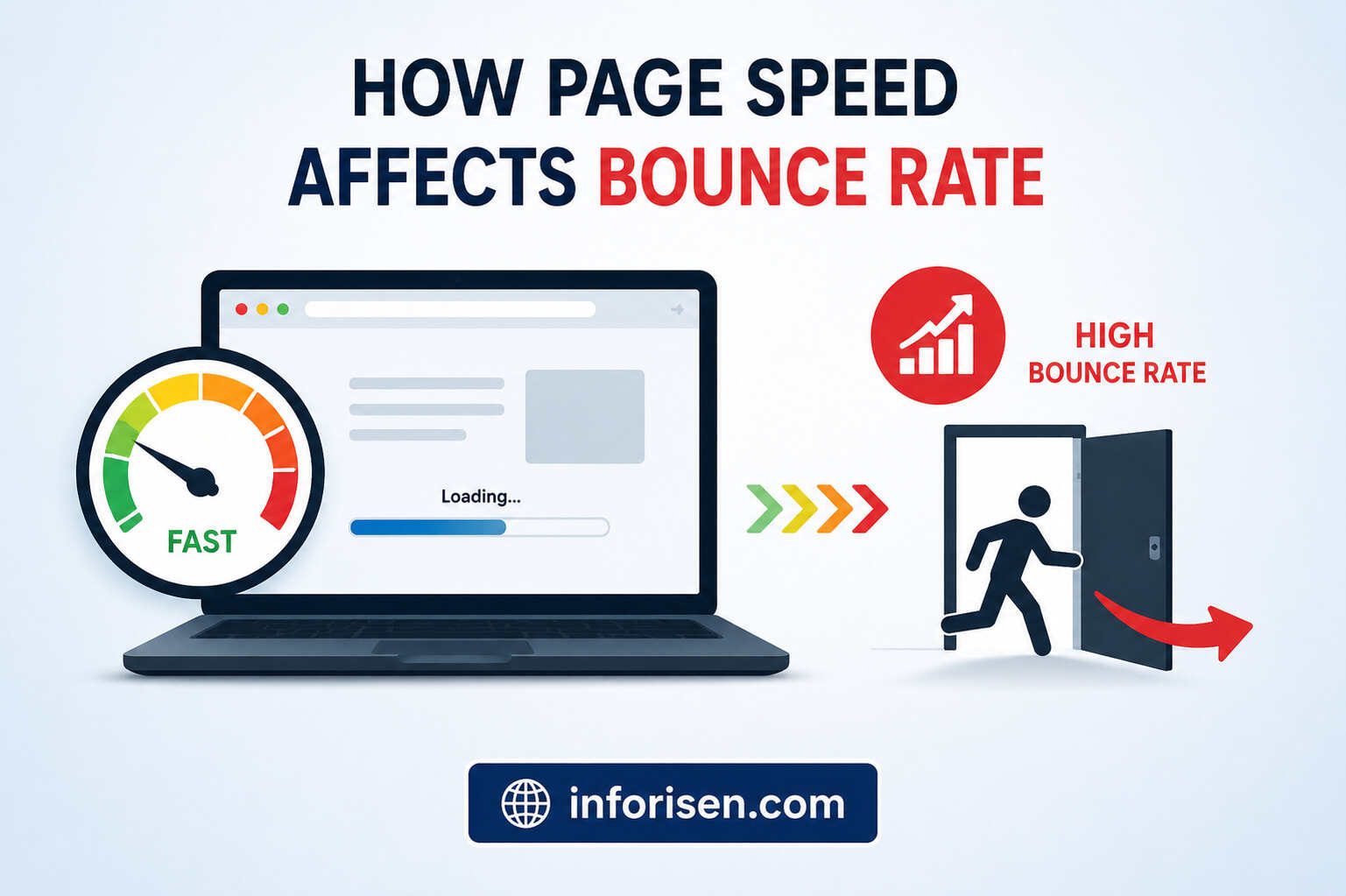
Even the best design cannot compensate for a slow website.
Modern users expect websites to load almost instantly. Delays of just a few seconds can significantly increase abandonment rates. This is why understanding how page speed affects bounce rate is essential for both SEO and user experience.
Common Causes of Slow Websites
Website speed problems usually result from a combination of heavy page resources, inefficient code, and weak server performance. Identifying these issues is the first step toward improving page speed, delivering a smoother experience, and reducing bounce rate.
Common performance problems include:
- Large, uncompressed images
- Excessive JavaScript execution
- Slow or unreliable hosting infrastructure
- Unoptimized CSS files
- Too many third-party scripts
These elements can delay the appearance of important content and prevent users from interacting with the page quickly. Regular performance testing can help businesses identify which resources are slowing down the website and prioritize the fixes that will have the greatest impact.
Fast-loading websites create stronger first impressions and reduce friction throughout the user journey. When pages respond quickly, visitors are more likely to continue browsing, interact with the content, and complete important actions.
Core Web Vitals and Bounce Rate: The Technical UX Connection
Google introduced Core Web Vitals to measure real-world user experience. These metrics directly influence how users perceive website performance.
Key Core Web Vitals
| Metric | Measures | Recommended Target |
|---|---|---|
| Largest Contentful Paint (LCP) | Loading Performance | Under 2.5 seconds |
| Interaction to Next Paint (INP) | Responsiveness | Under 200 ms |
| Cumulative Layout Shift (CLS) | Visual Stability | Under 0.1 |
The relationship between Core Web Vitals and bounce rate is straightforward. Faster, more stable websites create smoother experiences, which reduces frustration and encourages deeper engagement.
Visitors are far less likely to leave when content appears quickly and page elements remain stable during loading.
Technical optimization lays the foundation, but design elements ultimately determine whether visitors remain engaged.
Best UI/UX Practices to Reduce Bounce Rate
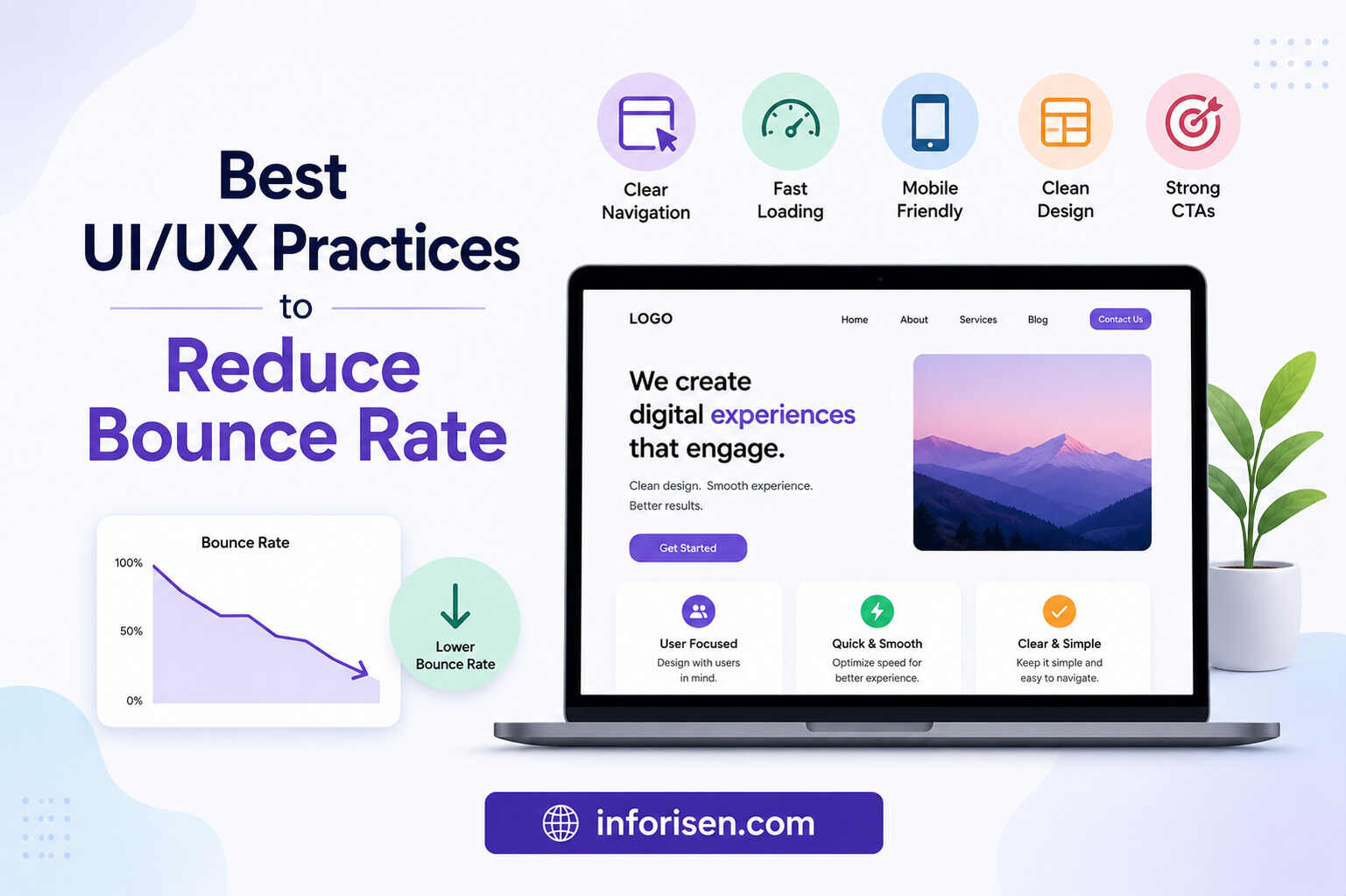
A successful website balances aesthetics with functionality. Great design is not simply about looking attractive; it is about helping users achieve their goals efficiently.
Best UI/UX Practices to Reduce Bounce Rate
A successful website balances visual appeal with functionality. Effective design is not simply about making a page attractive; it should help visitors understand the content, locate important information, and complete their intended actions with minimal effort.
The following UI/UX design best practices can reduce friction and encourage visitors to remain on the website longer.
1. Create a Strong Visual Hierarchy
A strong visual hierarchy organizes page elements according to their importance and guides users toward the information they need first. Nielsen Norman Group explains that “a clear visual hierarchy guides the eye to the most important elements” through contrast, scale, color, and spacing. Read the original visual hierarchy research from Nielsen Norman Group.
When users arrive on a page, they should be able to understand:
- What the page is about
- Which information is most important
- What action they should take next
- Where supporting information is located
Clear headings, intentional spacing, contrasting elements, and prominent calls-to-action guide attention naturally. This reduces cognitive effort and helps visitors scan the page without feeling confused or overwhelmed.
2. Improve Content Readability
Users rarely read every word on a webpage. Instead, they usually scan headings, highlighted phrases, and short sections to decide whether the content is relevant. Nielsen Norman Group’s eye-tracking research identifies several common scanning behaviors, including the F-pattern and layer-cake pattern. Explore the original research on webpage scanning patterns.
Improve website readability by using:
- Short, focused paragraphs
- Descriptive headings and subheadings
- Bullet points where appropriate
- Adequate white space
- Easy-to-read typography
- Clear contrast between text and background
A readable content structure helps users locate answers quickly, understand key messages, and continue exploring rather than abandoning the page.
3. Design Mobile-First Experiences
A mobile-first approach ensures that essential content, navigation, buttons, and forms remain easy to use on smaller screens. Poorly sized text, difficult-to-tap buttons, and horizontal scrolling can immediately frustrate mobile visitors.
Effective mobile UX design should provide responsive layouts, readable typography, touch-friendly controls, and fast loading performance. A consistent experience across devices can help lower abandonment and support stronger engagement.
4. Use Clear Calls-to-Action
Every important page should clearly answer the visitor’s question:
“What should I do next?”
An effective call-to-action uses specific language and explains the value of continuing. Buttons such as “Request a Consultation,” “Explore Our Services,” or “Read the Complete Guide” are usually more informative than vague labels such as “Click Here.”
Clear calls-to-action reduce uncertainty and guide users toward related content, service pages, contact forms, or conversion steps. They should be visually noticeable without interrupting the reading experience.
As these UI/UX improvements work together, the website becomes easier to understand and navigate. This naturally supports deeper browsing, better user engagement, and fewer unnecessary exits.
How to Improve User Experience to Increase Engagement
User engagement is a direct reflection of how effectively a website serves visitor needs.
When considering how to improve user experience to increase engagement, focus on removing obstacles from the customer journey.
Practical UX Enhancements
- Simplify forms
- Reduce unnecessary clicks
- Provide contextual internal links
- Use interactive elements strategically
- Maintain design consistency
- Optimize content structure
Visitors remain engaged when interactions feel effortless. Every additional step, confusing instruction, or unexpected interruption creates friction that can lead to a bounce.
Organizations that invest in UX expertise often gain a competitive advantage. Understanding what skills are required to become a UI/UX designer highlights the wide range of disciplines involved in creating exceptional digital experiences.
The next step is understanding how engagement improvements translate into measurable business outcomes.
Website Bounce Rate Optimization Strategies That Actually Work
Effective website bounce rate optimization requires a combination of design, content, and technical improvements.
High-Impact Optimization Areas
| Area | Optimization Strategy |
|---|---|
| Landing Pages | Match content with user intent |
| Navigation | Simplify pathways to information |
| Content Layout | Improve readability and scanning |
| Page Speed | Optimize loading performance |
| Mobile UX | Ensure responsive experiences |
| Internal Linking | Encourage deeper browsing |
| Trust Signals | Display reviews, certifications, and social proof |
Rather than focusing on a single metric, businesses should monitor:
- Average engagement time
- Pages per session
- Conversion rate
- Scroll depth
- Returning visitors
These metrics provide a more comprehensive understanding of user behavior than bounce rate alone.
As digital experiences continue evolving, the role of UX professionals becomes increasingly important.
The Future of User Experience and Engagement Optimization

AI-powered search engines, personalized experiences, and evolving user expectations are reshaping website design standards.
Businesses that prioritize user-centric design today will be better positioned for future search environments. This is one reason discussions around is UI/UX a good career in 2030 continue gaining attention as organizations recognize the growing importance of experience-driven digital strategies.
Future-ready websites will focus on:
- Faster experiences
- Personalized interactions
- Accessibility compliance
- AI-assisted navigation
- Predictive user journeys
These innovations will continue reducing friction while improving engagement and conversion rates.
Conclusion
Understanding How to reduce bounce rate using better UI/UX design is not about applying a few design tweaks. It requires a comprehensive approach that combines user psychology, intuitive navigation, content structure, page speed optimization, and technical performance improvements.
By implementing the right design principles, improving navigation, enhancing readability, optimizing Core Web Vitals, and creating frictionless user journeys, businesses can significantly improve website engagement through UX design while reducing abandonment rates.
Ultimately, websites that prioritize users first are the ones most likely to succeed in search rankings, AI search results, and long-term conversion growth. If your goal is sustainable engagement and better business outcomes, mastering How to reduce bounce rate using better UI/UX design should be a top priority.
Frequently Asked Questions (FAQs)
A good bounce rate varies by industry, but generally between 26% and 55% is considered healthy. Content-focused websites may naturally experience slightly higher bounce rates than eCommerce websites.
UI/UX design reduces bounce rate by improving usability, navigation, readability, page speed, and overall user satisfaction. When users find information easily, they are more likely to stay and interact.
Common causes include slow loading pages, poor mobile optimization, confusing navigation, weak content relevance, intrusive pop-ups, and poor visual design.
Core Web Vitals directly impact user experience by measuring loading speed, responsiveness, and visual stability. Better scores often contribute to lower bounce rates and improved engagement.
Yes. Since a large percentage of web traffic comes from mobile devices, poor mobile experiences can significantly increase bounce rates and reduce conversions.
The most effective practices include intuitive navigation, responsive design, fast loading speeds, clear calls-to-action, strong visual hierarchy, and easy-to-read content layouts.
Yes. Better user experience often leads to longer engagement times, increased page views, lower bounce rates, and stronger user signals, all of which can positively support SEO performance.

.webp&w=3840&q=75)
.jpg&w=3840&q=75)