ByArian MahmudReviewed by:Tarikul Hasan
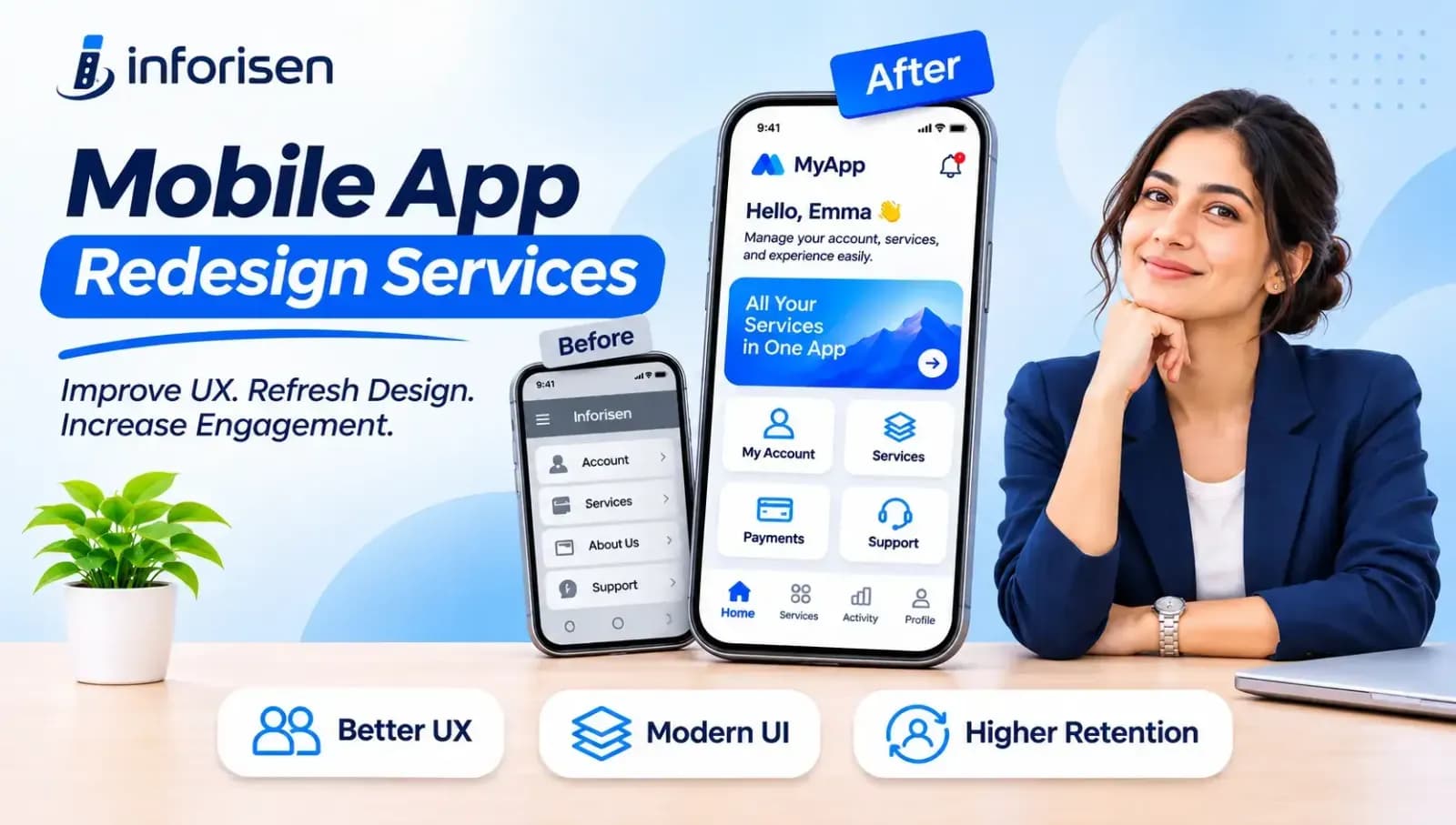
Human WrittenMobile App Redesign Services
Mobile app redesign services improve outdated interfaces, navigation, usability, and user engagement. Learn seven signs your app needs redesigning, common UX problems, redesign opportunities, the complete redesign process, cost factors, agency selection, and how Inforisen helps businesses create better mobile experiences.
Before starting the redesign process, you need to understand why your application requires changes. Is it too outdated? Not user-friendly? Maybe something is missing from your mobile application that is needed by your users?
Our specialists can help to improve your mobile application making it more convenient and enjoyable to use. Our company has already worked on 34 projects and is currently working on 4 others. We offer UX audits, wireframing, prototyping, and UI/UX design services.
Planning to redesign your mobile application? Then don’t hesitate and contact our company at Inforisen.
What Are the 7 Signs Your Mobile App Needs a Redesign?
When people find it difficult to use your mobile application, you might want to consider designing the app differently. Here are seven such indications.
1. Your App Interface Looks Outdated
If your application has an old interface, then it may look unprofessional as well. If you redesign the color scheme, button placements, and layout of your application, then it will give a professional look.
2. Users Struggle to Navigate Your App
What one wants should be easily accessible to him or her. Frustration might result when many clicks have to be made on the menu. Tasks will become easy for them to accomplish if there is good navigation.
3. User Engagement and Retention Are Declining
If users are spending less time on the app and do not come back to it, then possibly they are dissatisfied with the experience they had.
4. Users Leave Negative Reviews and Feedback
Customer feedback can help you to identify any problems in your application. If your clients regularly experience difficulties with complex interfaces or features, some measures should be taken.
5. Your App Has a Complicated Signup or Checkout Process
Steps can be too complex or lengthy for individuals to subscribe or purchase anything because they leave before doing so. To ensure that they complete their tasks without getting confused, they need something simple.
6. Your App Has Accessibility and Readability Issues
Difficulties can arise because of small font sizes, low color contrasts, and hard-to-press buttons. Making text more legible and controls easier to use will help in making things more accessible.
7. Your App Design Is Inconsistent Across Screens
There may be variations in your application due to buttons, fonts, and spacing. It is possible to maintain consistency by using common design elements throughout the application.
What Are the 7 Common Mobile App UX Problems?
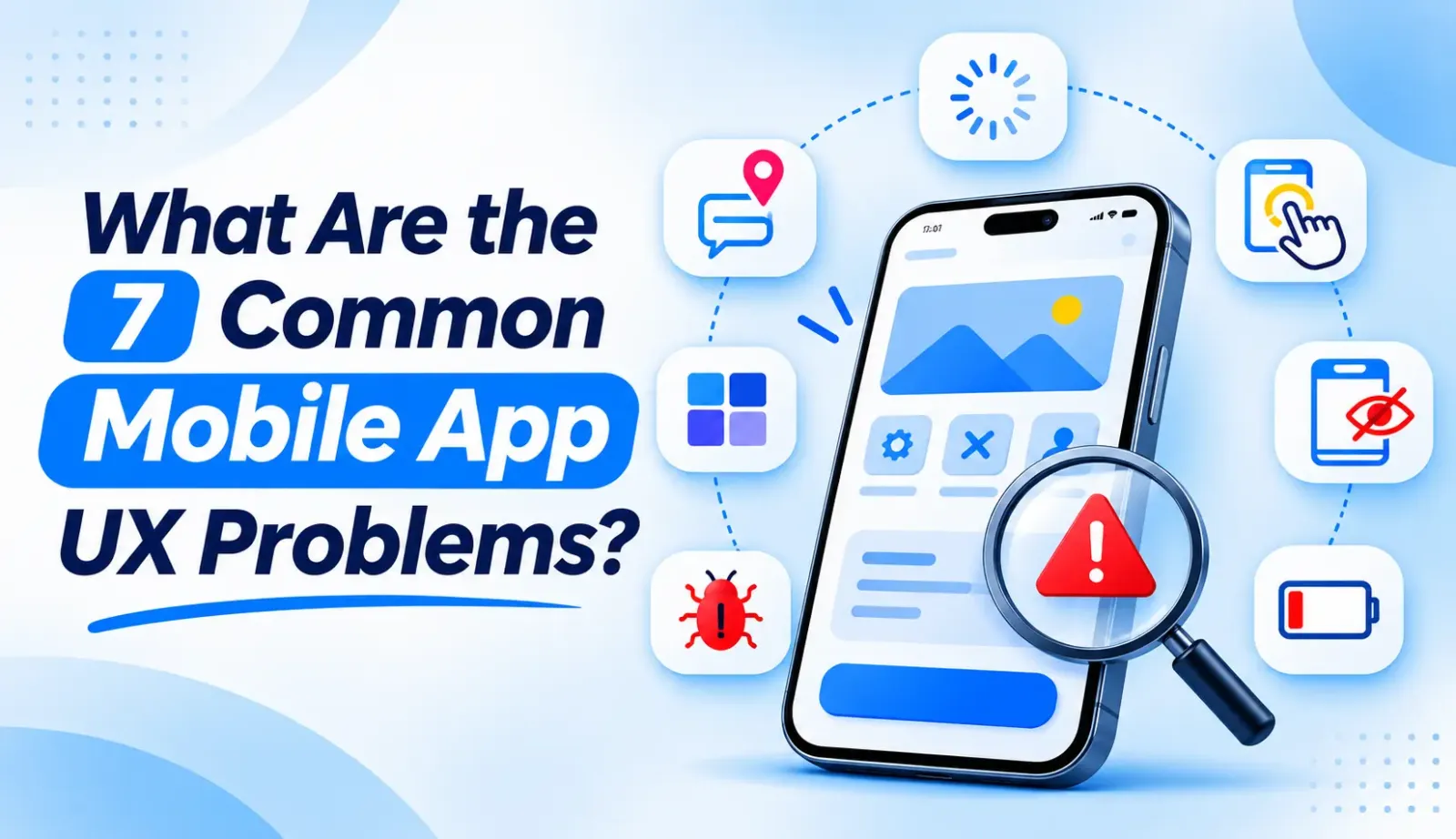
A poor mobile app experience can make everyday tasks difficult. People may face issues with navigation, loading speed, or finding useful features. Below are seven common UX problems that can affect an application's usability.
1. Difficult Onboarding Process
Too many sign-up steps, lengthy forms, and early permission requests can discourage new visitors. Keeping the process short and simple allows them to start using the application without trouble.
2. Unclear Navigation System
Finding important options becomes frustrating when menus are poorly arranged. Simple labels and a clear menu structure help people move between different sections without confusion.
3. Overloaded App Screens
A screen filled with too much content, multiple icons, and unnecessary elements can be hard to understand. Proper spacing and an organized layout make information easier to follow.
4. Poor Button Size and Placement
Buttons that are too small or placed in uncomfortable positions can be difficult to tap. Suitable sizes and better positioning help prevent accidental clicks.
5. Poor Loading Speed
An application that takes too long to open or respond can frustrate its audience. Faster loading and smooth performance help people complete their activities without delays.
6. Unhelpful Error Messages
When something goes wrong, unclear messages can leave people unsure what to do next. Clear explanations and simple solutions make it easier to recover from errors.
7. Lack of Action Confirmation
The cause for confusion may be because the users are clicking on certain buttons and not receiving any action. Feedback gives assurance to users that there is activity going on.
How Can You Identify Mobile App Redesign Opportunities?
However, before you improve your mobile app, you have to figure out what is wrong with it and where users have problems. These are six ways to accomplish that.
Analyze Data from Your App: You need to know at what point users abandon your application, such as while registering, paying, or checking out. Identify redundant processes and measure your page loading speed.
Listen to Your Customers: Read reviews from the app store and customer complaints and request for support. You can also conduct surveys and learn what prevents your clients from using your app easily.
User Flow: See how your users interact with your app. Pay attention to menu-related issues and buttons that are not clear enough, leading to extra actions in navigation.
App Performance: Identify slow page loading times and crashes in your application.
Competitor Analysis: Do research about other similar applications to learn how they handle navigation, design, and so on.
Prioritize: Focus on the problems that have a bigger impact on your clients and will bring benefits for your business.
What Is the Mobile App Redesign Process?
But before that, you will have to determine what needs to be changed in your app. Redesigning includes understanding how your current app functions, determining users’ requirements, improving its design, and testing its performance. This process consists of eight easy steps.
Stage 1: UX Audit
Review your app data and user behavior. Identify where users are encountering issues or leaving the app.
Stage 2: User Research
Interact with your users using questionnaires and quick interviews. Find out what they love, what they hate, and what irritates them.
Stage 3: Information Architecture
Be sure to keep your screens, menus, and features well organized, ensuring that users can access all necessary elements through just a few clicks.
Stage 4: Wireframing and Flow Design
Make a sketch of the layout to see where you will place buttons, texts, and images. After that, analyze user navigation between screens.
Stage 5: High-Fidelity UI Design
Design the final appearance of each screen. Make sure that your colors, font typefaces, icons, and spacing are appropriate for the desired look of the application.
Stage 6: Usability Testing
Let actual users test the design using their phones. Identify the confusion spots and solve them prior to development.
Stage 7: Development Handoff
Provide the developers with the design specifications, prototype and styling guides for all screens and buttons.
Stage 8: App Launch and Measurement
Now launch the newly developed application to users. Now monitor its performance and continue improving it by taking more feedback.
Does Your App Need UI Improvements or a Complete UX Redesign?
When your app runs flawlessly but the only problem lies in color, font, buttons, or layout changes, then the only requirement for you would be UI changes.
The UX redesign should be done when you face the following problems:
- Drop in users in the process of registration, onboarding, or checkout.
- Problems in understanding the menu and navigation.
- Problems in accessing the necessary functions.
- No effect of UI changes on the level of engagement or conversion.
- Repeated problems by customers.
- Difference in the current design and your business needs and goals.
Problems in usability of simple tasks because of complicated processes and forms.
How Much Do Mobile App Redesign Services Cost?
Re-designing of mobile apps generally involves expenses from $3,000 to $60,000, depending on project specifications, design specifications, and development specifications.
Here is a rough estimate of price ranges according to the scope of the project:
- Minor UI redesign ($ 1,500- $ 40,000): Changes to color, typography, iconography, and layout, without new features.
- Medium UI/UX redesign ($ 15,000- $ 100,000): Enhancements related to navigation and user experience.
- Complete redesign of application ($ 60,000- $ 250,000 or more): Redesign of the application from both feature and design perspective. This type of project may need development.
Price would be dependent on the number of screens, complexity of the app, what platform it is for (iOS, Android, or both), and whether you will be engaging a developer alone or an agency.
Design-related projects are cheaper than those that require development.
How Do You Choose the Right Mobile App Redesign Agency?
Choose an application redesign firm with a proven track record and success stories, as well as satisfied clients’ testimonials. Find out how they gather information on problems customers have, improve the design of your application, and coordinate with developers.
Also consider the cost of the project, its timeline, and after-service support when the application goes live. Inforisen considers all of these things, considers business objectives, and improves the enterprise UI/UX design of the mobile application service.
How Does Inforisen Help With Mobile App Redesign?
Before you start thinking about any mobile app redesign, you should think about what needs improvement in the first place. The following are some easy ways that you can use to identify the problem:
Inforisen, a software development company, offers mobile app redesign services to companies wishing to improve their apps. Firstly, we examine how people use your current application and how they behave while doing it.
Finally, we work on improving the navigation, process optimization, making wireframes and prototypes and interface design.
Final Thoughts
The success of a mobile app redesign depends not only on how the colors, buttons, or interface are changed but also on solving the users’ issues and improving usability.
If the app fails to work for its target audience, it is mostly due to design, a too-complicated registration process, or bad navigation. Inforisen's mobile app redesign services will help you improve your app's usability and streamline user actions.
Frequently Asked Questions (FAQs)
How Long Will It Take to Redesign the Mobile App?
Depends on the number of screens that require redesign and the amount of change that you are looking for.
Can You Redesign a Mobile App without Starting Over?
Yes, you can. If the existing code of the mobile app is good, you can redesign the user interface, change navigation, and user flow.
Will Mobile App Redesign Boost User Retention?
The answer is yes. Easier navigation, smoother onboarding, and improved usability provide more reasons for users to come back to the application. But no mobile app redesign will give you a 100% guarantee of increased user retention.
Do Redesign Services Cover Development?
It's not necessary. Some agencies provide just UI/UX design services, while some provide the development along with the design.
Why Should You Choose Inforisen for Your Mobile App Redesign?
We start with the analysis of the current mobile app and identification of the areas where users have problems. The information helps us to create a redesign solution that fits your needs.